.svg)
Version 1.11: Exams, Course Changelog & New Languages
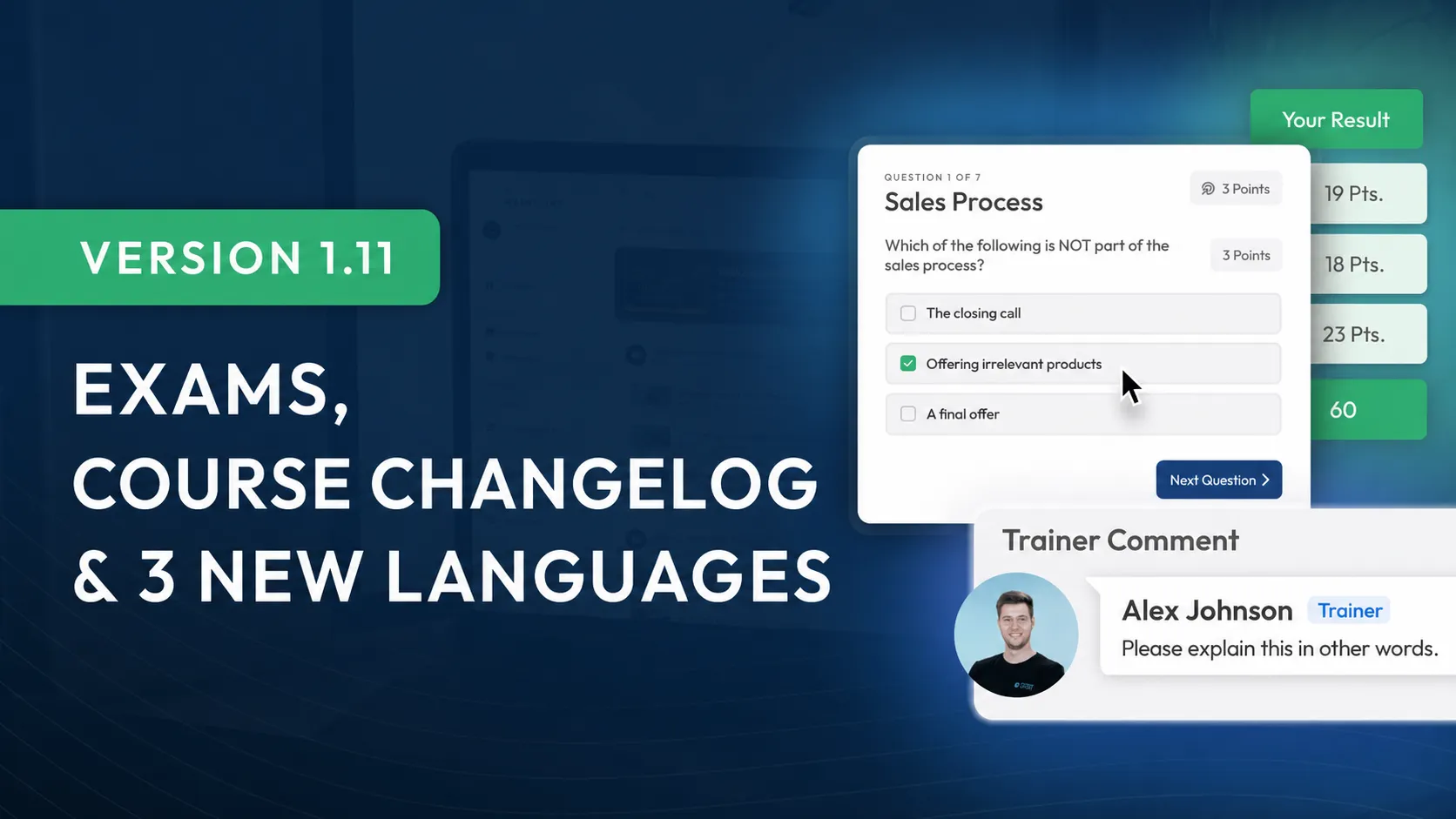
Version 1.11 is our biggest update yet. We're excited to introduce more than 10 new features and an entirely new module type: the exam module. True to LearningSuite, we didn't build just any feature.
We've reimagined the way digital exams are created, setting a new industry standard in the process.
New Features at a Glance:
- New module type: exams
- Course changelog
- SSO (Single Sign-On)
- Exclude words from search
- "Coming soon" feature for Lessons
- Login device settings in your account
- Course visibility & indented Modules
- 3 new languages: Polish, English, German
- Synchronization of Lesson and page titles
- Many more improvements
New Module: Exams
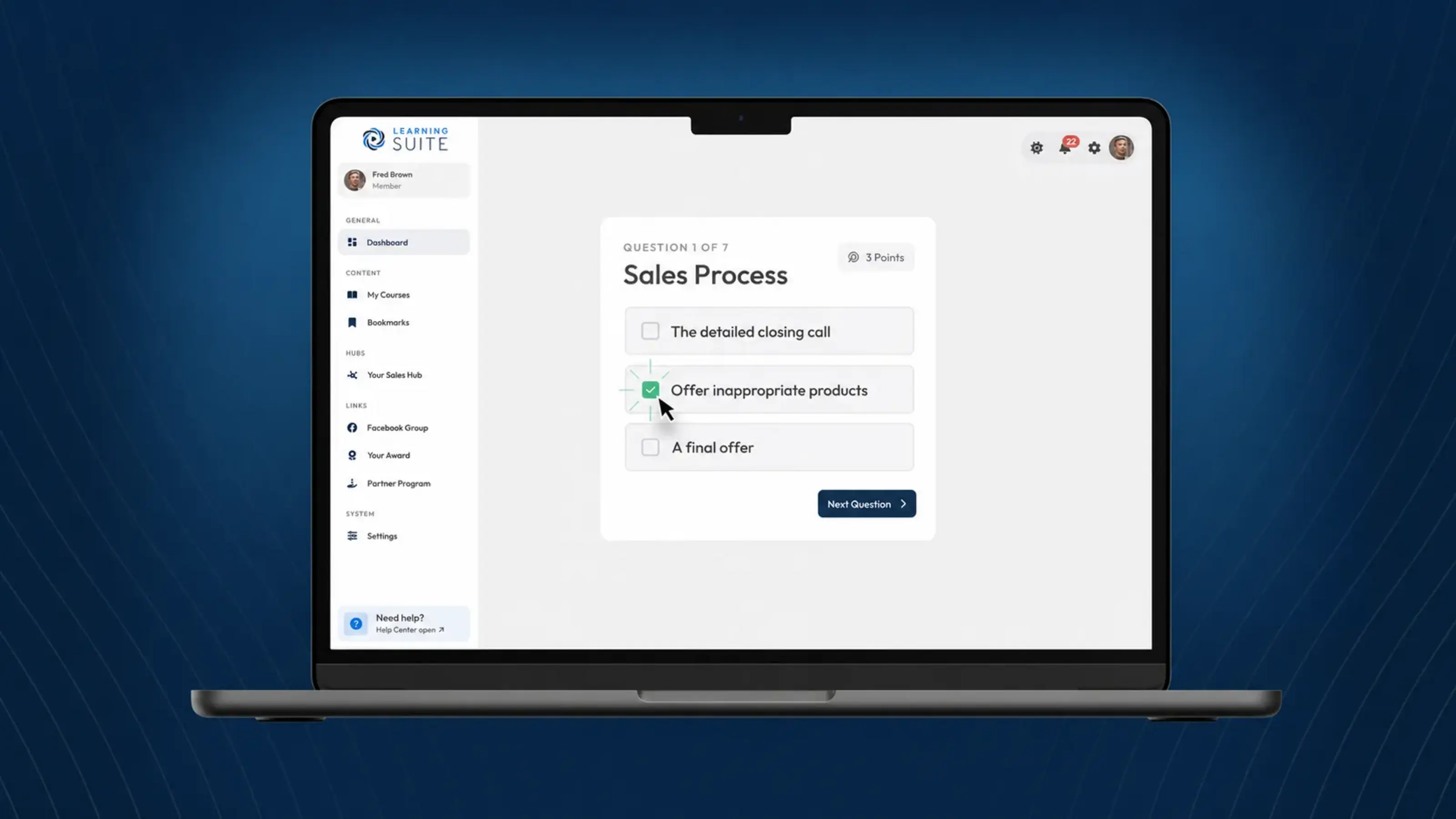
In addition to learning modules, you can now create exam modules in LearningSuite. This lets you combine every type of assessment into one comprehensive exam submission.
We aimed for more than a simple, standard multiple-choice quiz.
Our goal was to develop an exam editor versatile enough to create complex university exams, while remaining so intuitive and self-explanatory that you can create simple assessments in just a few minutes without any prior guidance.
That was a challenging task, and to date, no exam tool on the market has met these requirements or could have served as inspiration for us.
But we did it. We're excited to introduce the exam feature in this video—our most comprehensive feature yet:
Course Changelog
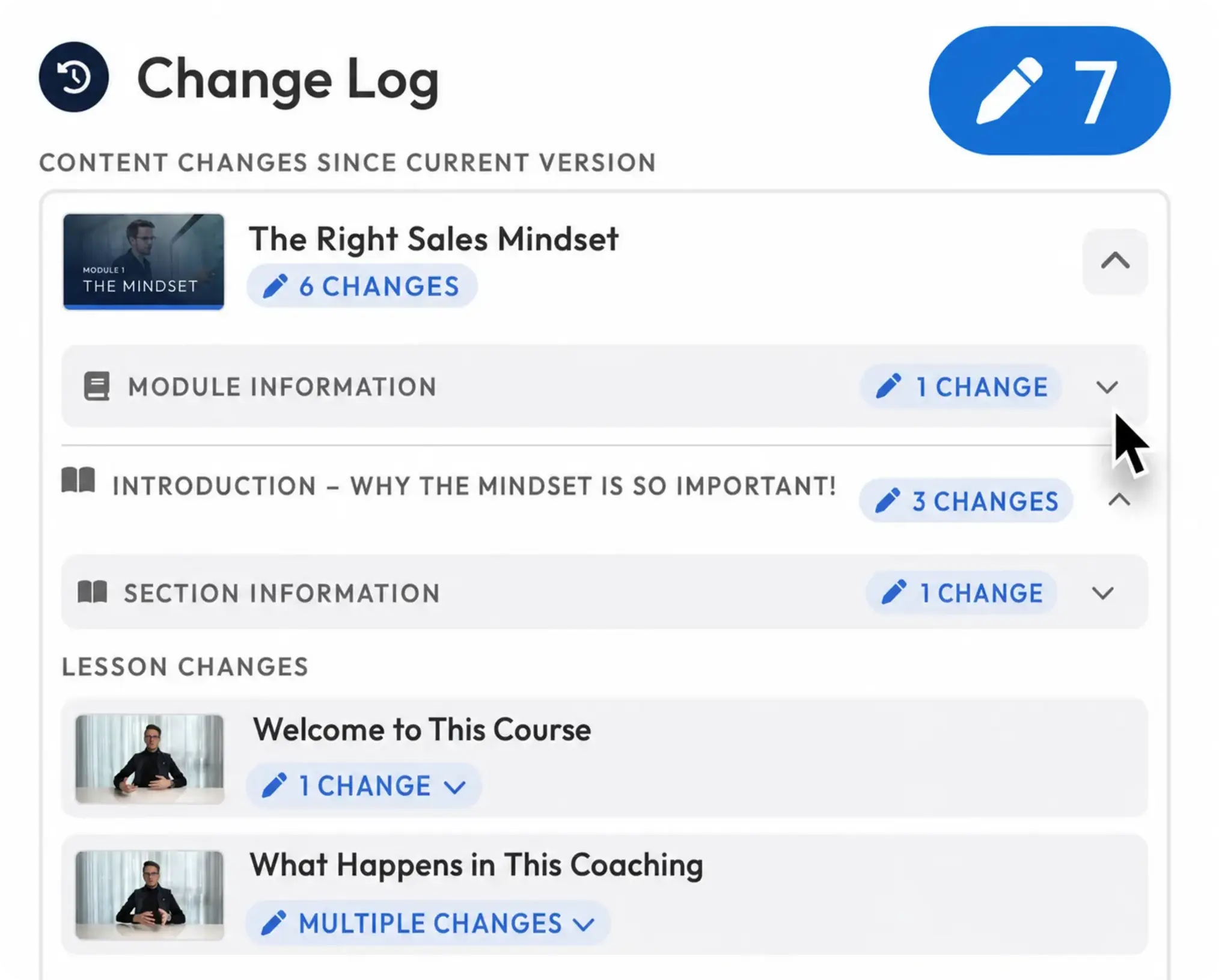
Changes in a new, unpublished Course version are now marked visually with the pencil icon. You can also access a detailed view of the changes within the latest version through the changelog. Find it by clicking "Update Course" and then "View Changes".
SSO (Single Sign-On)
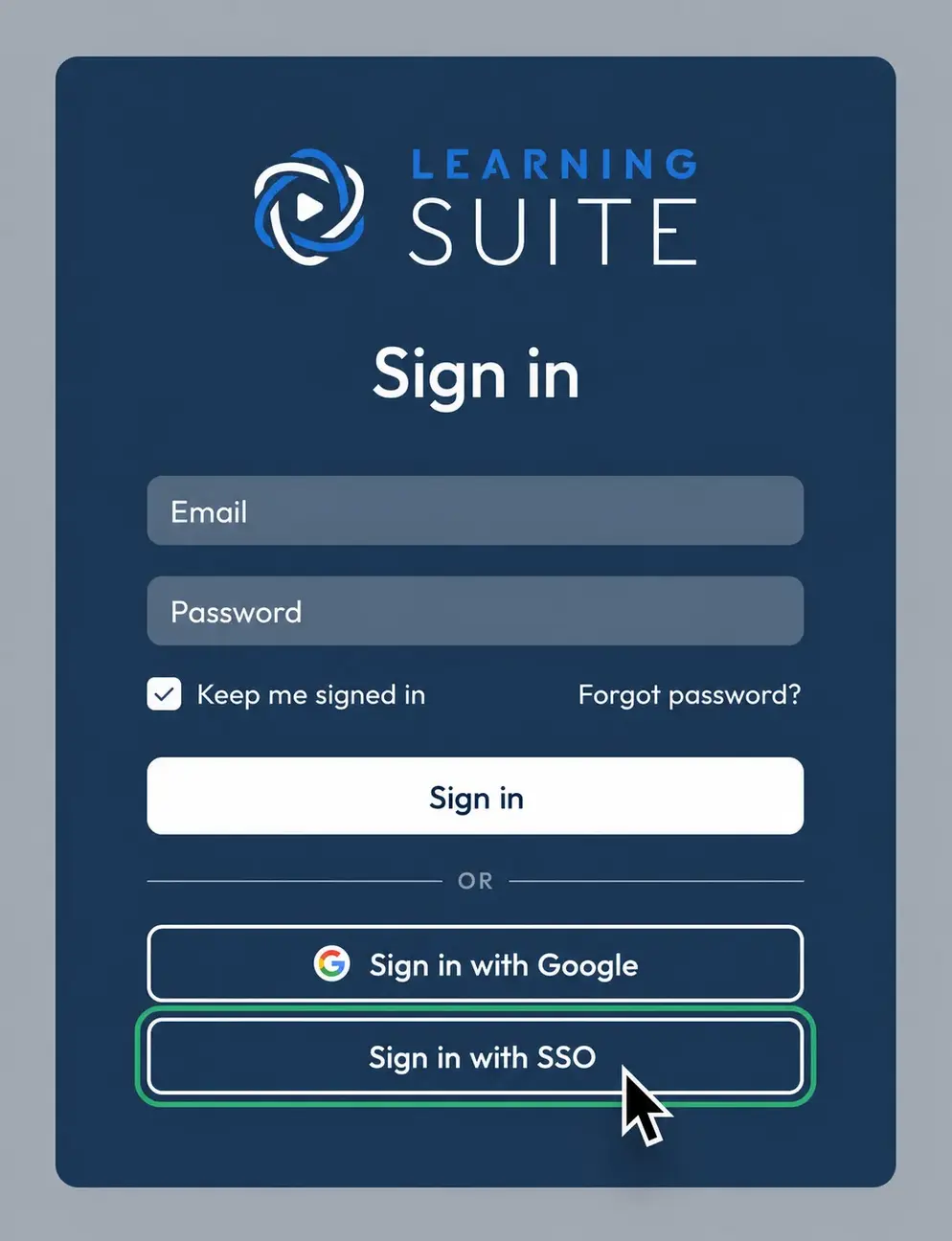
Single Sign-On via OpenID Connect is now supported as well. If you need Single Sign-On, please contact our support Team through the HelpCenter.
Exclude Words From Search
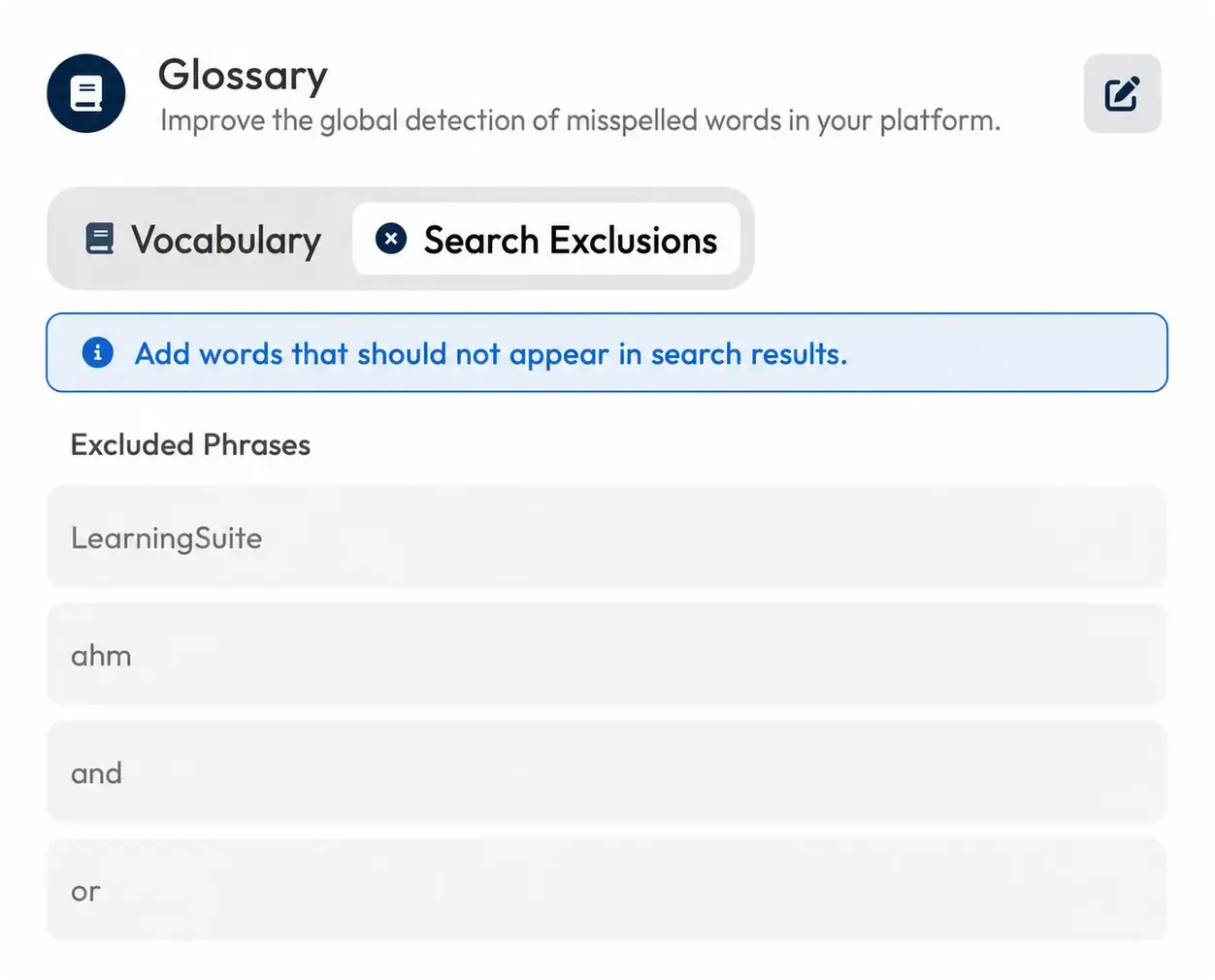
Under "Transcripts & Subtitles" in your settings, you can now remove words from search that shouldn't be found.
"Coming Soon" for Lessons
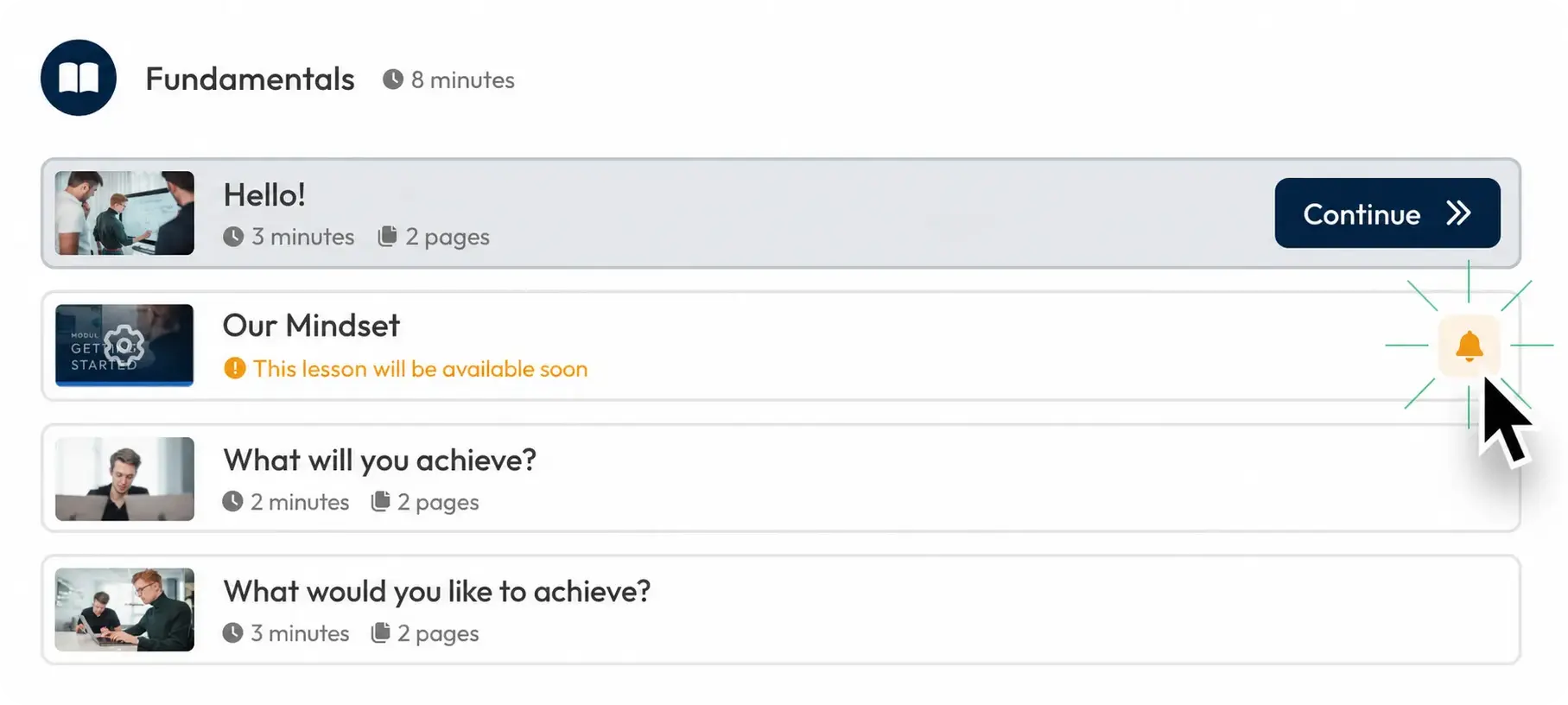
Content drip for Lessons now includes a new option: "Coming soon." This lets you show your Members Lessons that will be available in the future.
Your Members can choose to be notified as soon as these Lessons become available. That way, your Members will always know when relevant content has been published.
Login Device Settings in Your Account
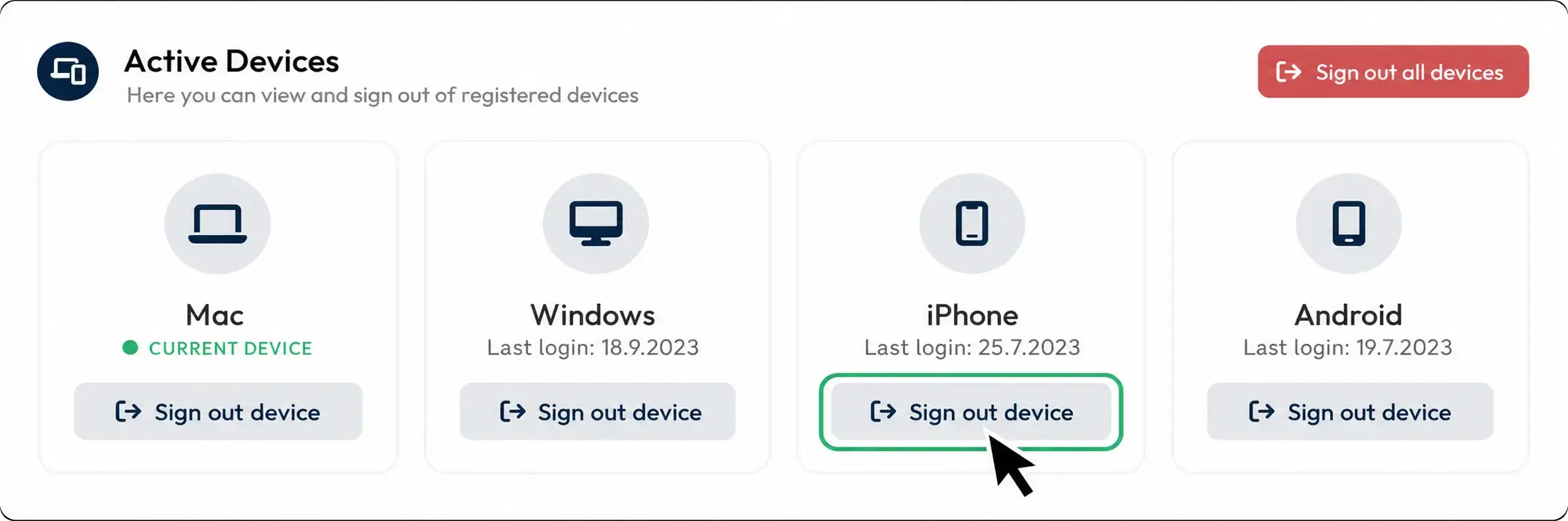
In your account settings, you can now clearly see which devices have logged in to your LearningSuite account and immediately log out devices if you notice suspicious activity.
Course Visibility & Indented Modules
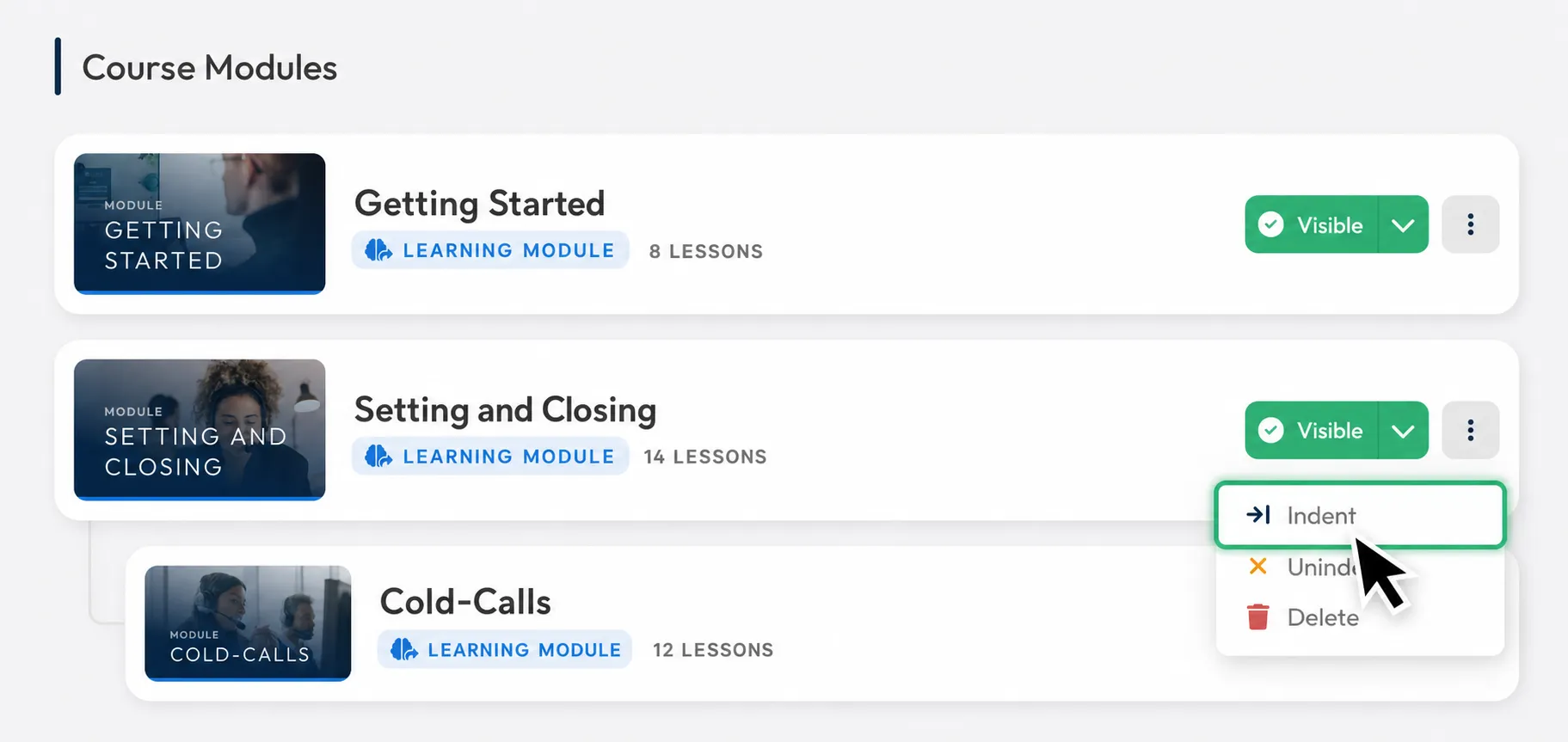
You can now indent modules. This lets you visually distinguish submodules more clearly. It's also useful when you want to link to other related Courses using link modules.
If you have a very large Course that links to multiple sub-Courses, you can now hide those sub-Courses in the Course settings.
This improves the User experience for your Members, as they now have just one Course that provides the structure and navigation instead of finding multiple Courses on the Course Dashboard.
3 New Languages (PL, EN, DE)
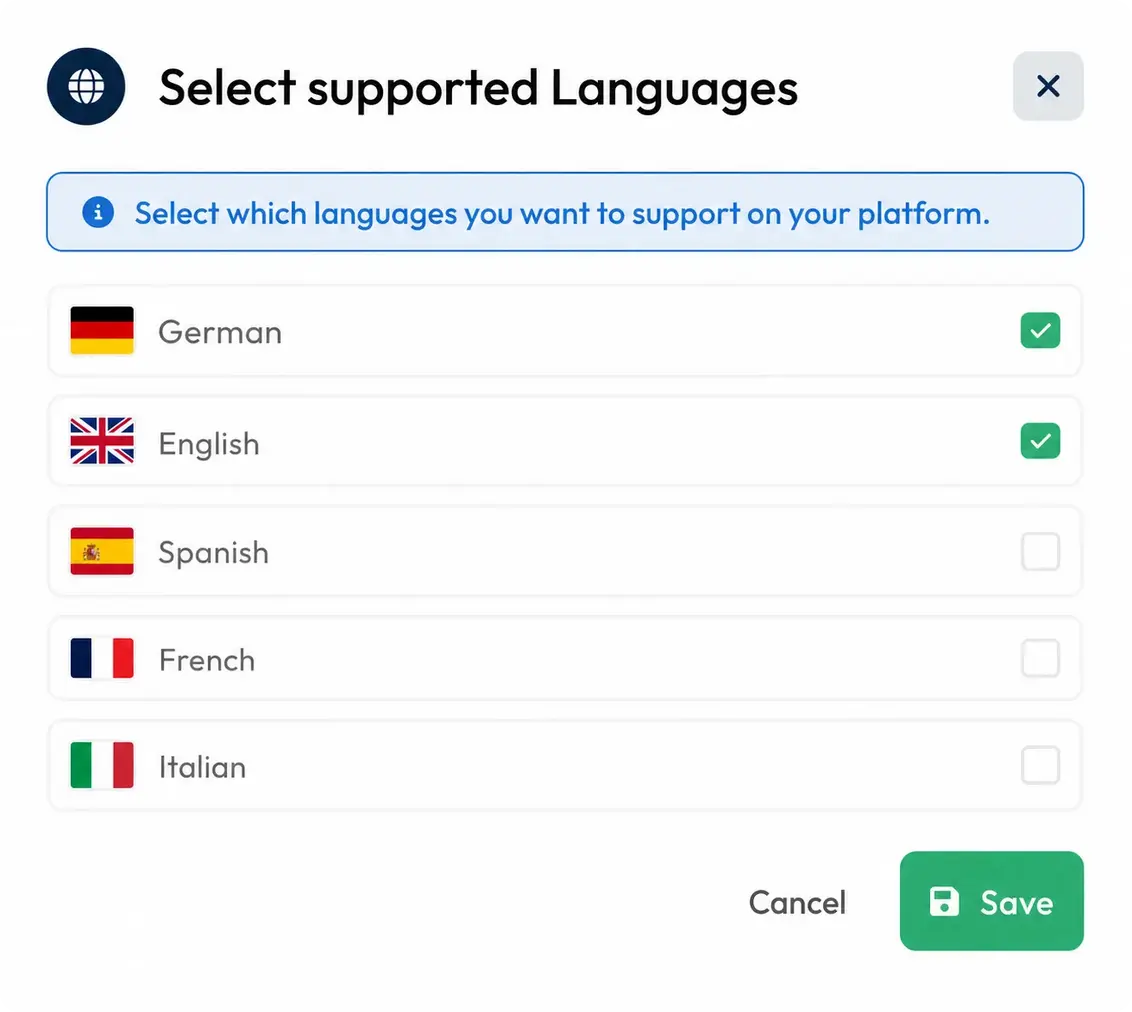
Under "Supported Languages" in the platform settings, you can now enable Polish, English, and German as platform languages.
And if you use only one language on your platform, such as German, you can also uncheck English as a supported language there. This removes all language selections from the platform, leaving just one platform language for all Users.
Important note: Polish, English, and German are currently still in beta. This means that, so far, the focus has only been on accuracy from the Member perspective. All text in the admin perspective was translated using AI and may contain errors.
Synchronization of Lesson & Page Titles
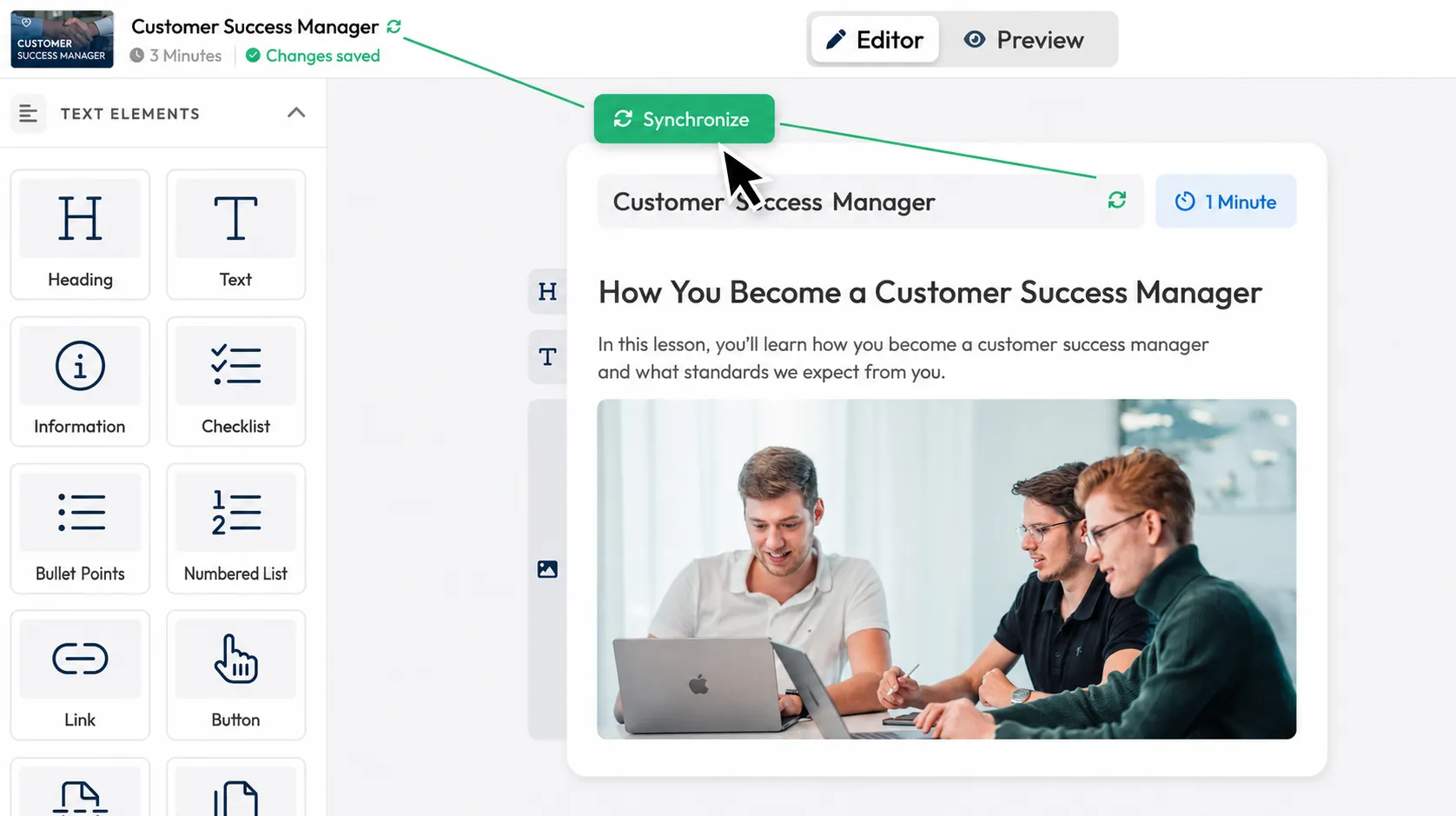
The Lesson title is now synchronized with the page title of the first page by default. If you want a different title within the page, simply click the synchronization icon to disable synchronization.
More Improvements:
- You can now select each User's language when creating a User, so the login email is sent in the correct language
- You can now move images in the image gallery using drag and drop
- You can now crop images in the editor
- We've added several actions and triggers to Zapier, such as deleting groups
- You can now crop thumbnail images afterward as well
- We've optimized the microphone indicator in the video recorder
- We've added search to the move popup to help you find content more easily
- Everywhere Courses are displayed, they are now sorted by the set Course order by default
- In the "Modules" tab, you can now also search for Modules within folders
- You can now delete thumbnails
- We've visually optimized the groups & Bundle popup
- We've optimized many illustrations and brought them in line with a consistent standard
- Many more optimizations and improvements across the entire platform
We'd love your feedback. Send it to us in our Facebook Community or via chat in the HelpCenter.
Your LearningSuite Team!