.svg)

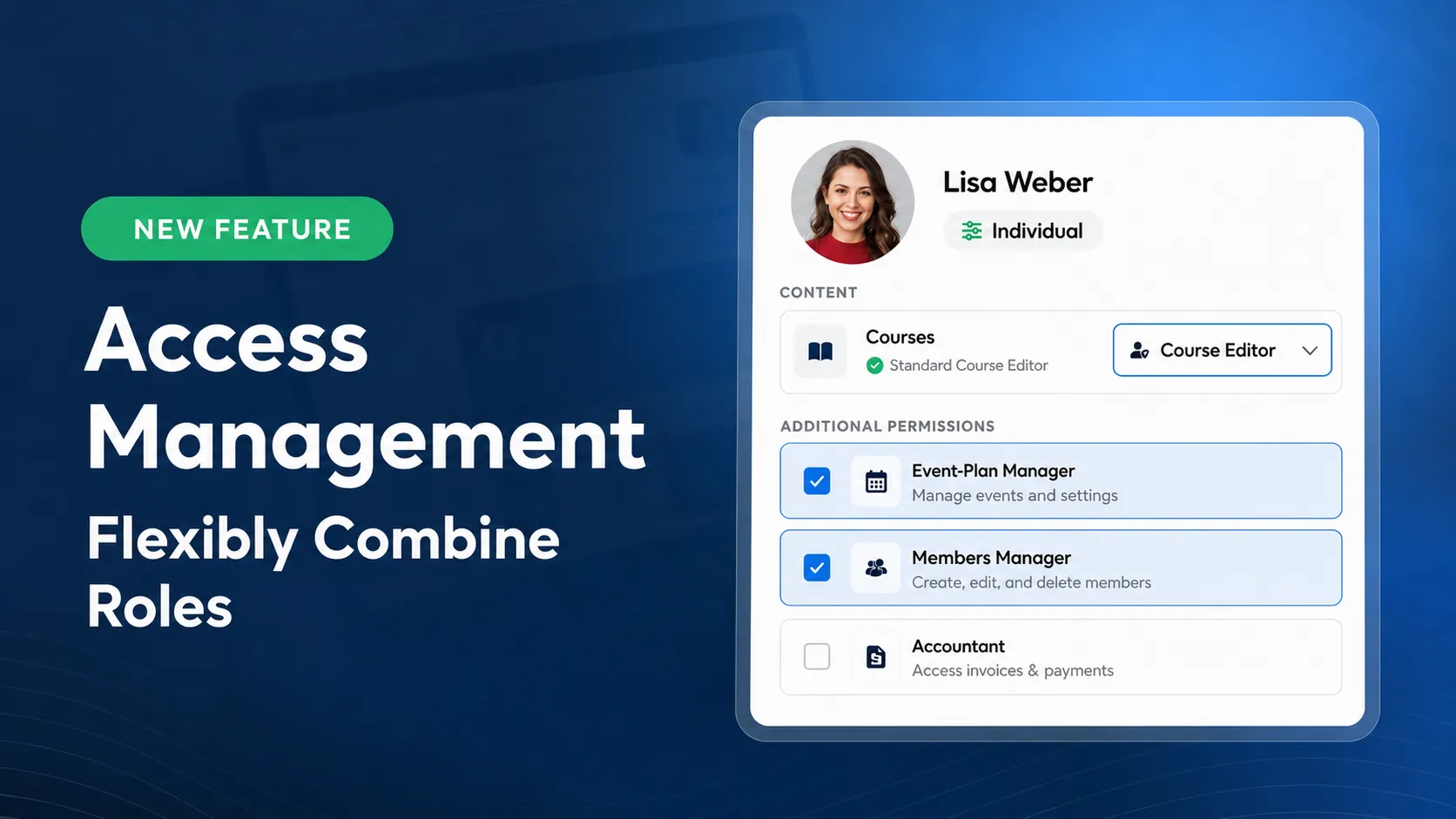
Access Management: Flexibly Combine Roles
With the new Access Management, you can now assign responsibilities across your team with even greater precision. A team member can hold multiple roles and permissions at the same time—tailored to the responsibilities they take on in your LearningSuite.
For example, one person can edit courses and manage the Event Plan. Or support members and organize bundles. You don't need to give them full admin access to do it.
Multiple Roles for One Team Member
In many teams, one person takes on more than one responsibility. That's exactly what the new multi-role system is built for.
You can combine content roles for courses, Hubs, and the Community with additional permissions for individual admin areas. This lets you tailor permissions more closely to how your team actually works together.
For example, an employee creates your learning content and organizes your live calls. They receive the Course Editor role as well as the Event Plan Manager permission. That way, they can handle both responsibilities directly in LearningSuite.
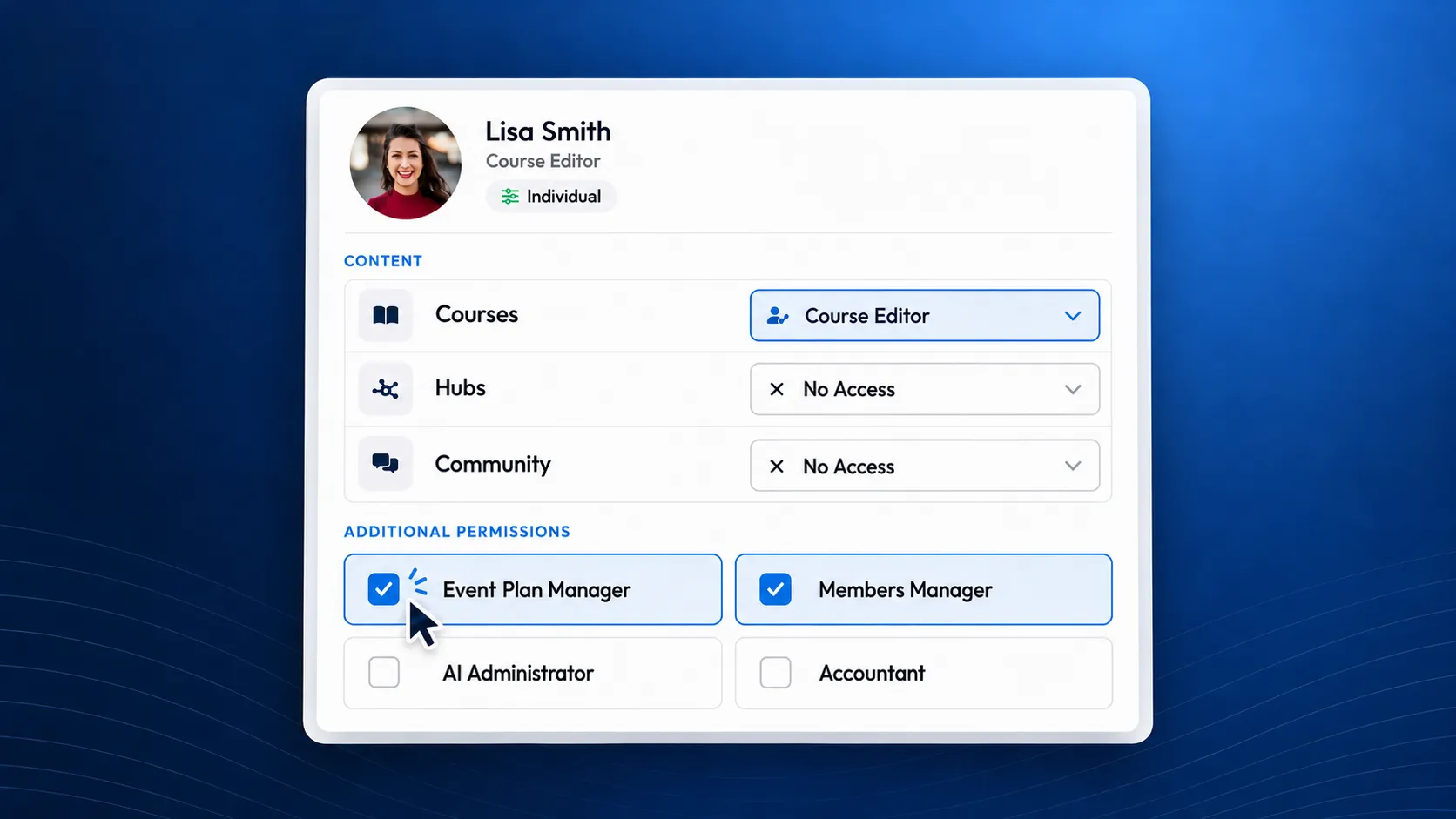
Assign Additional Permissions With Precision
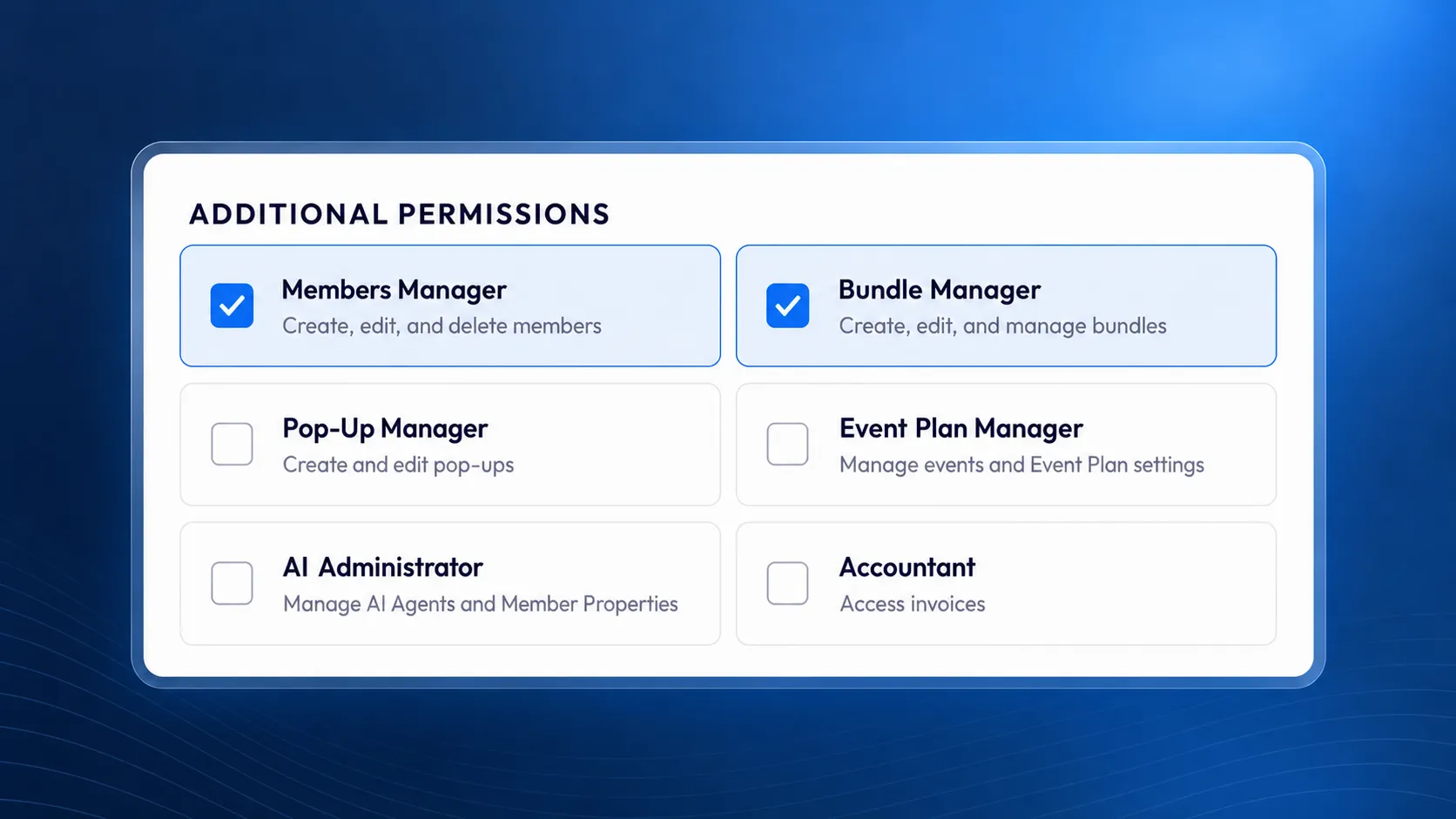
Predefined permissions are available for common responsibilities. You can assign them individually or combine them:
- Members Manager: Create, edit, and delete members.
- Bundle Manager: Create, edit, and manage bundles.
- Pop-up Manager: Create and edit pop-ups.
- Event Plan Manager: Manage events and Event Plan settings.
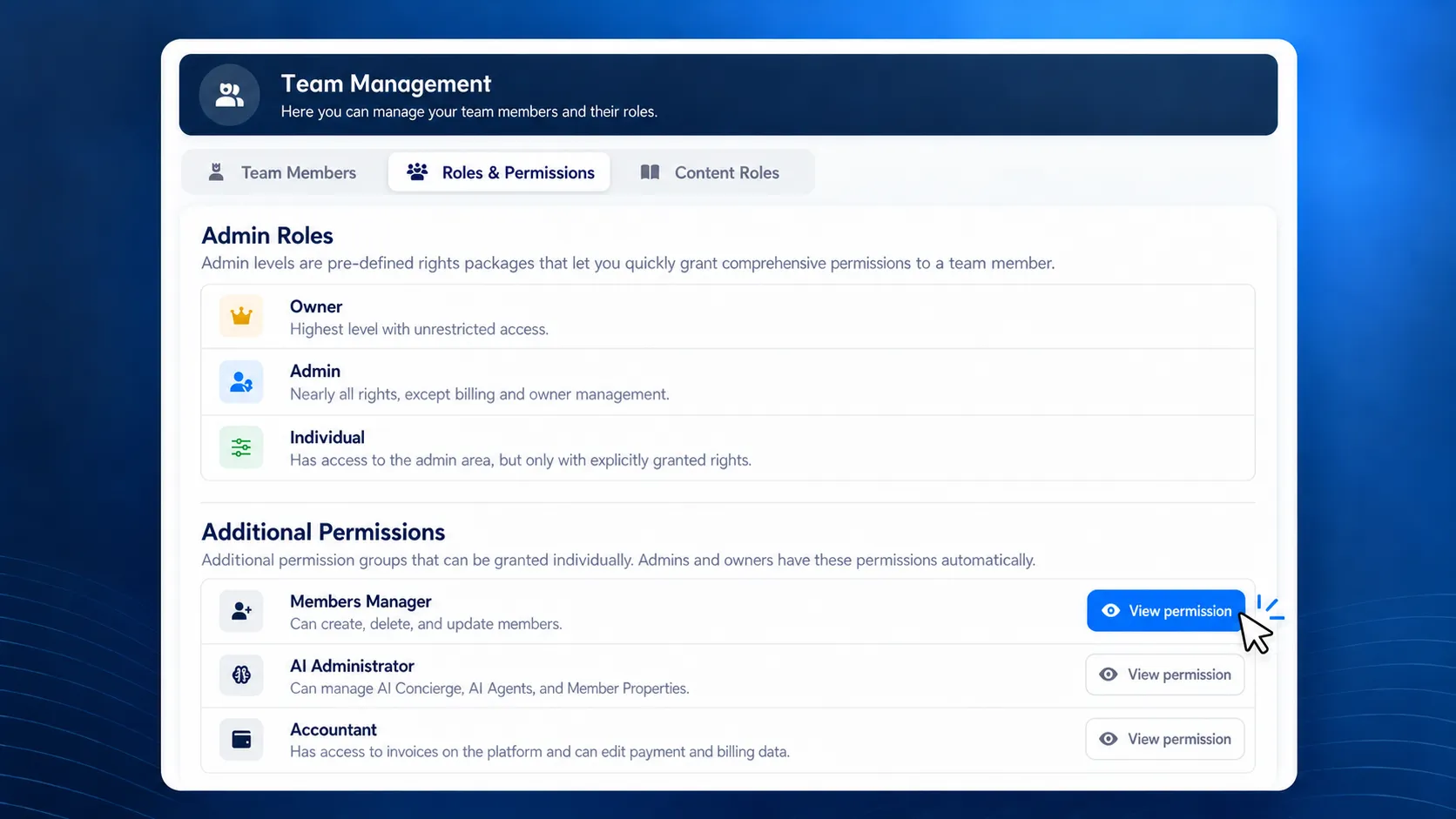
- AI Administrator: Manage AI Agents, the AI Concierge, and Member Properties.
- Accountant: Access invoices and edit payment and invoice details.
This means you can give your accounting team access to the billing area or put your marketing employees in charge of managing pop-ups.
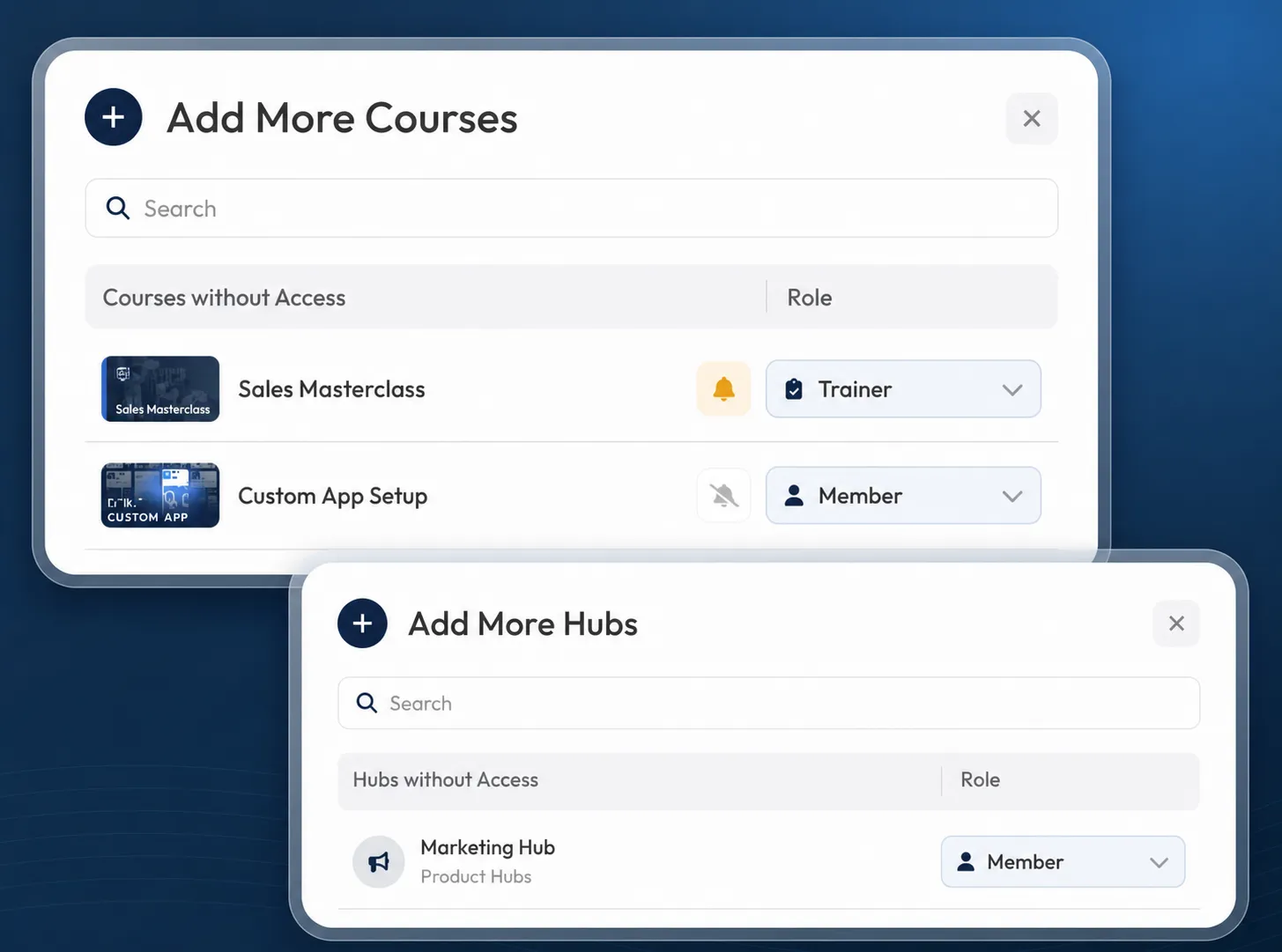
Grant Team Members Access to Courses and Hubs
You can assign team members the Trainer or Member role for individual courses. This lets someone grade submissions and provide feedback in one course while participating in another as a Member.
You can also grant team members access to individual Hubs. This gives your team access to the information provided there without giving them editing permissions for the Hub.
Roles and Permissions in One Place
In Team Management, you'll find your team members' roles clearly organized in one place.
Under “Roles & Permissions,” you can see which permissions each predefined role includes. This makes it easier to choose the right combination for a specific responsibility.
To adjust existing access, open the relevant team member under “Team” and switch to the “Roles” tab. There, you can combine content roles and additional permissions.
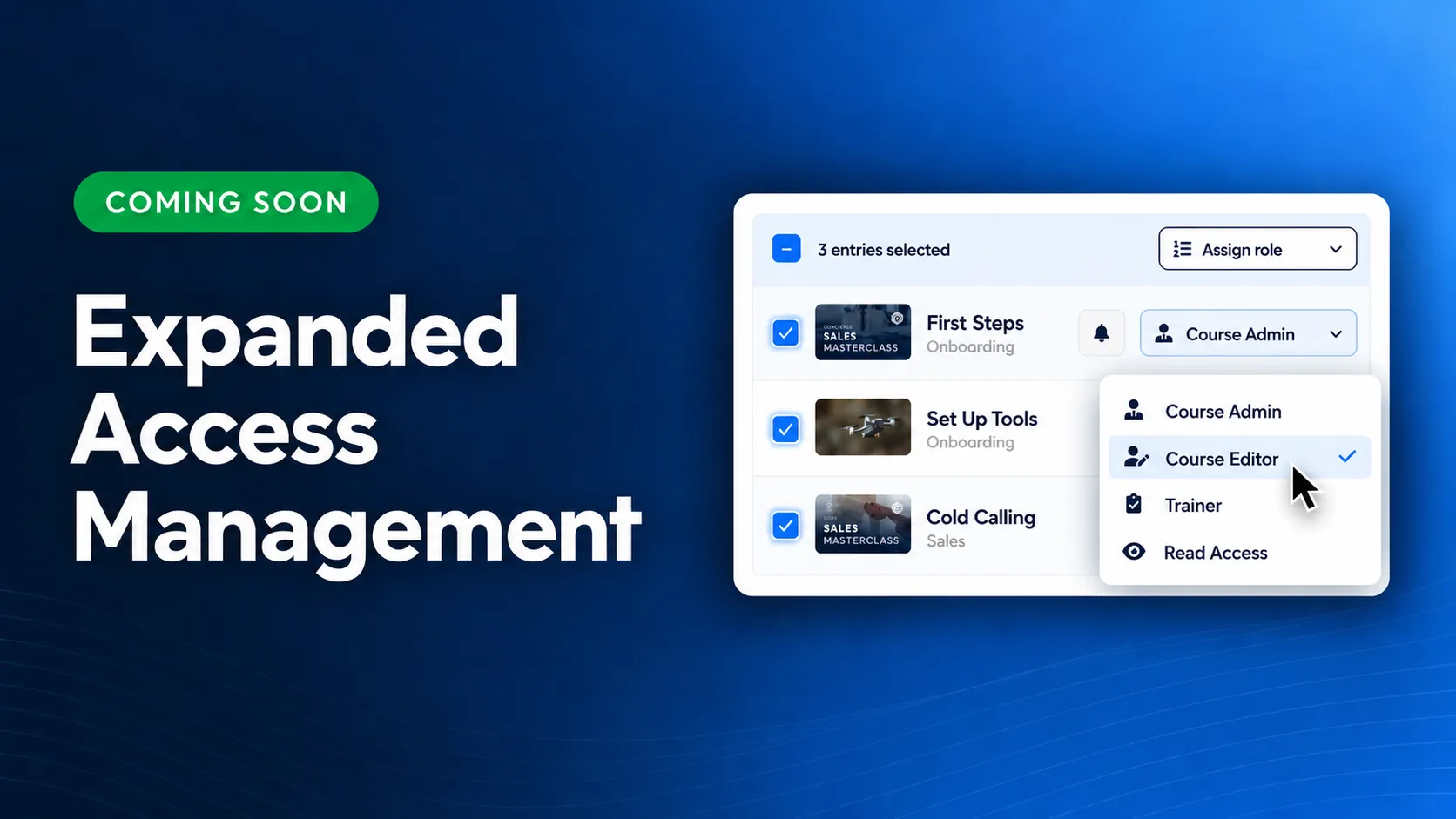
Coming Soon: Advanced Access Management
With Advanced Access Management, you'll be able to tailor permissions even more precisely to your organization:
- Roles per content item: Assign Course Admin and Course Editor permissions for selected courses, as well as editing permissions for individual Hubs.
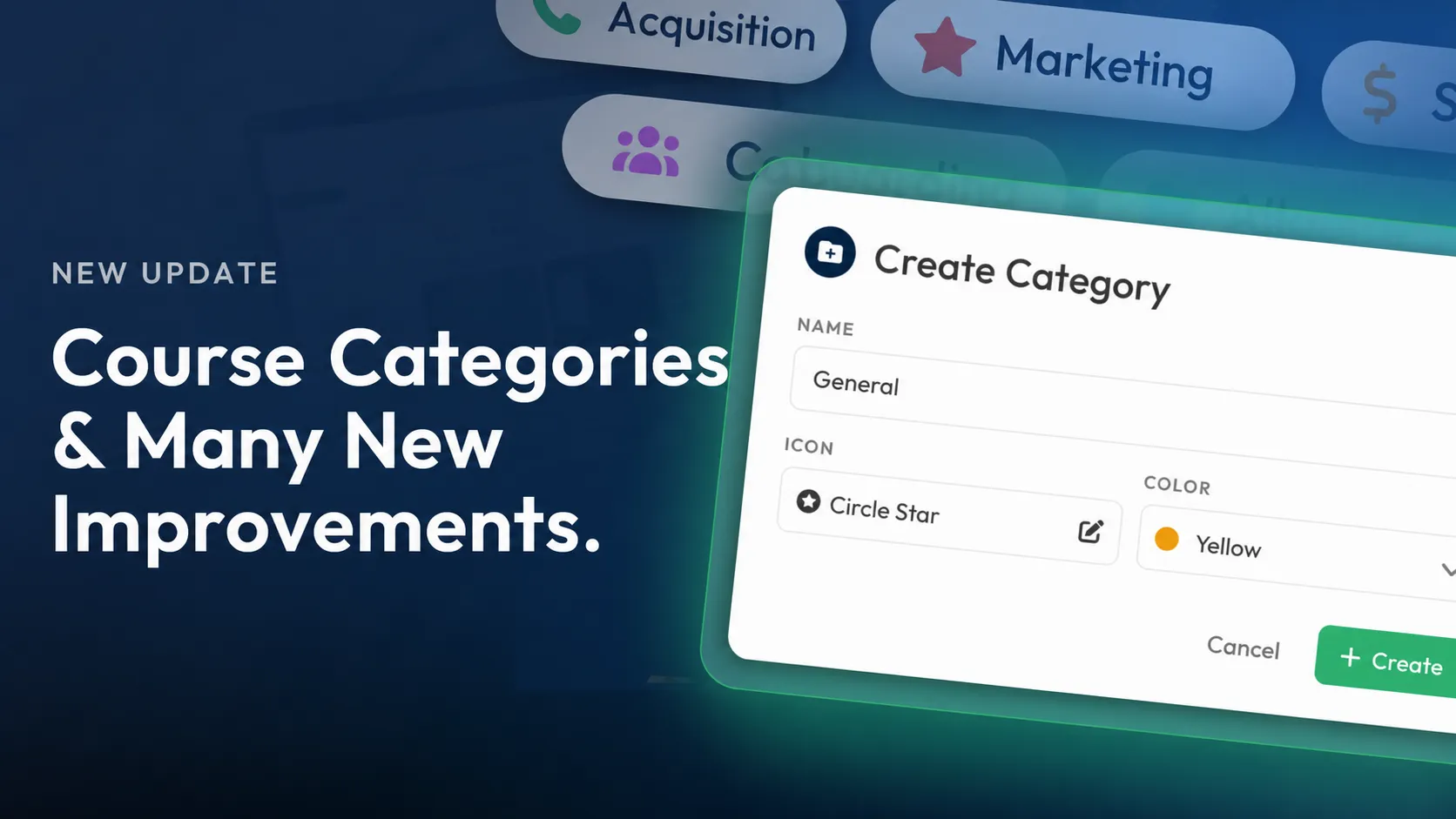
- Grant access to entire categories: Apply roles to course and Hub categories—including content added later.
- Create custom Course roles: Combine individual permissions to match your workflows, such as grading submissions and responding to feedback.
- Create custom permission groups: Grant access to individual admin functions with precision and use the same combination for multiple team members.
More information about Advanced Access Management is coming soon.