.svg)
Version 1.8: Search & Member Dashboard
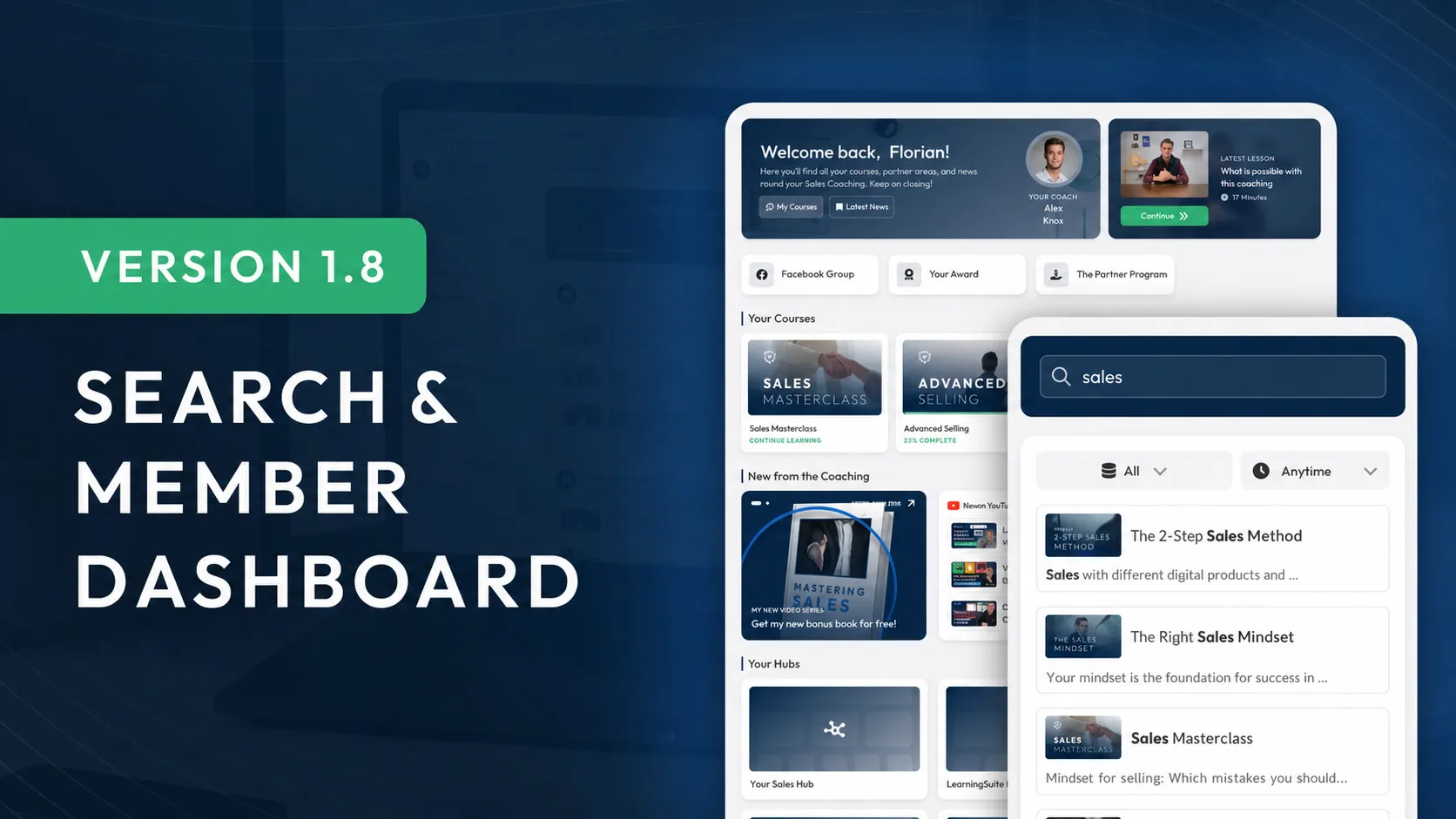
With the new search feature, both admins and members can find all content across the platform with a global search. It searches not only lesson titles and module names, but also descriptions and every piece of text within lessons.
This marks a major milestone in the e-learning market, as most other platforms have so far only allowed searches within individual courses or exclusively by lesson title. Now, it’s much easier to find content again later.
Another new feature in this update is the Member Dashboard. You can create a custom homepage for your members, where you can add not only courses but also information elements, links, or upsells.
This update also includes many more new features, such as the Make integration, optional Google sign-in for your members, and much more.
What’s New at a Glance:
- Global search for admins and members, including intelligent content search
- Member Dashboard: The personalized homepage for your members
- Make integration for even simpler automations
- Optional Google sign-in: Ideal for your internal training area
- 3 new widgets for Hubs: Image gallery, video widget, and image widget
- Improved video states for even clearer content creation
Global Search
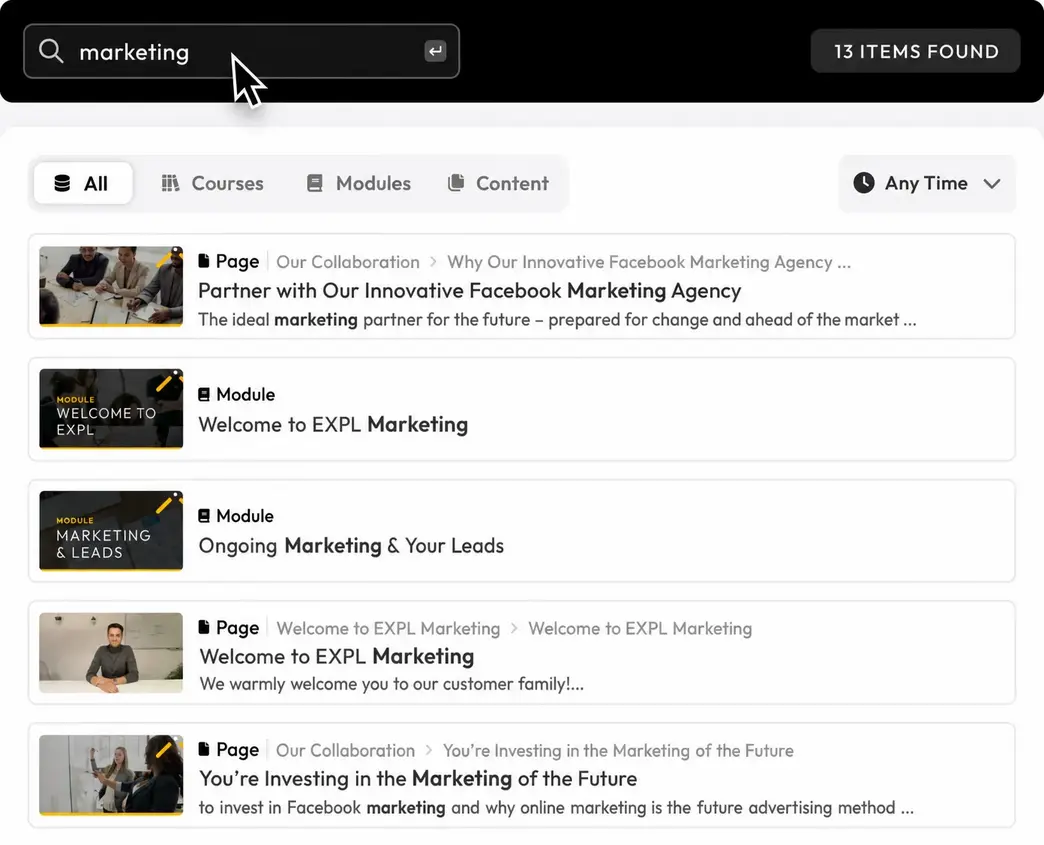
With the search feature, admins and members can find all content they have the required access to.
What makes our search so powerful? Results are intelligently ranked, so the best matches always appear at the top.
But that’s not all: our search doesn’t just find course names, module names, and lesson names. It also finds all content within lessons.
For example, if the term "process definition" appears in one of your lessons and you can’t remember where to find it, that lesson will also appear in your search results.
To make searching even easier, we’ve also added simple filters.

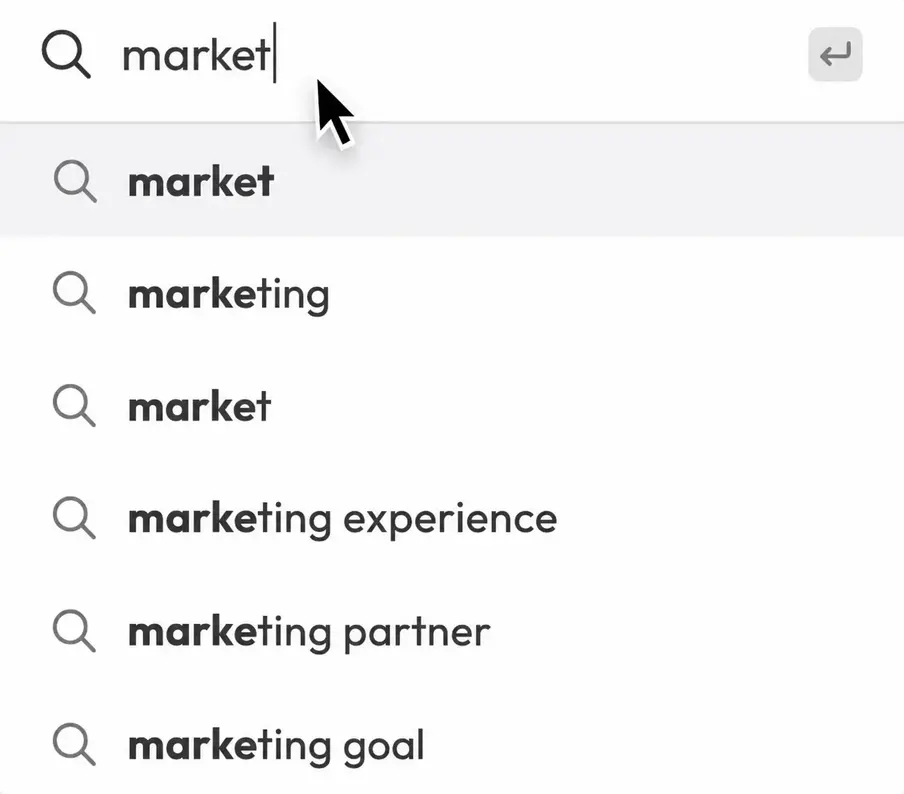
You’ll find search right in the top left corner. And to take it a step further, you’ll get search suggestions as soon as you start typing a term.
Member Dashboard
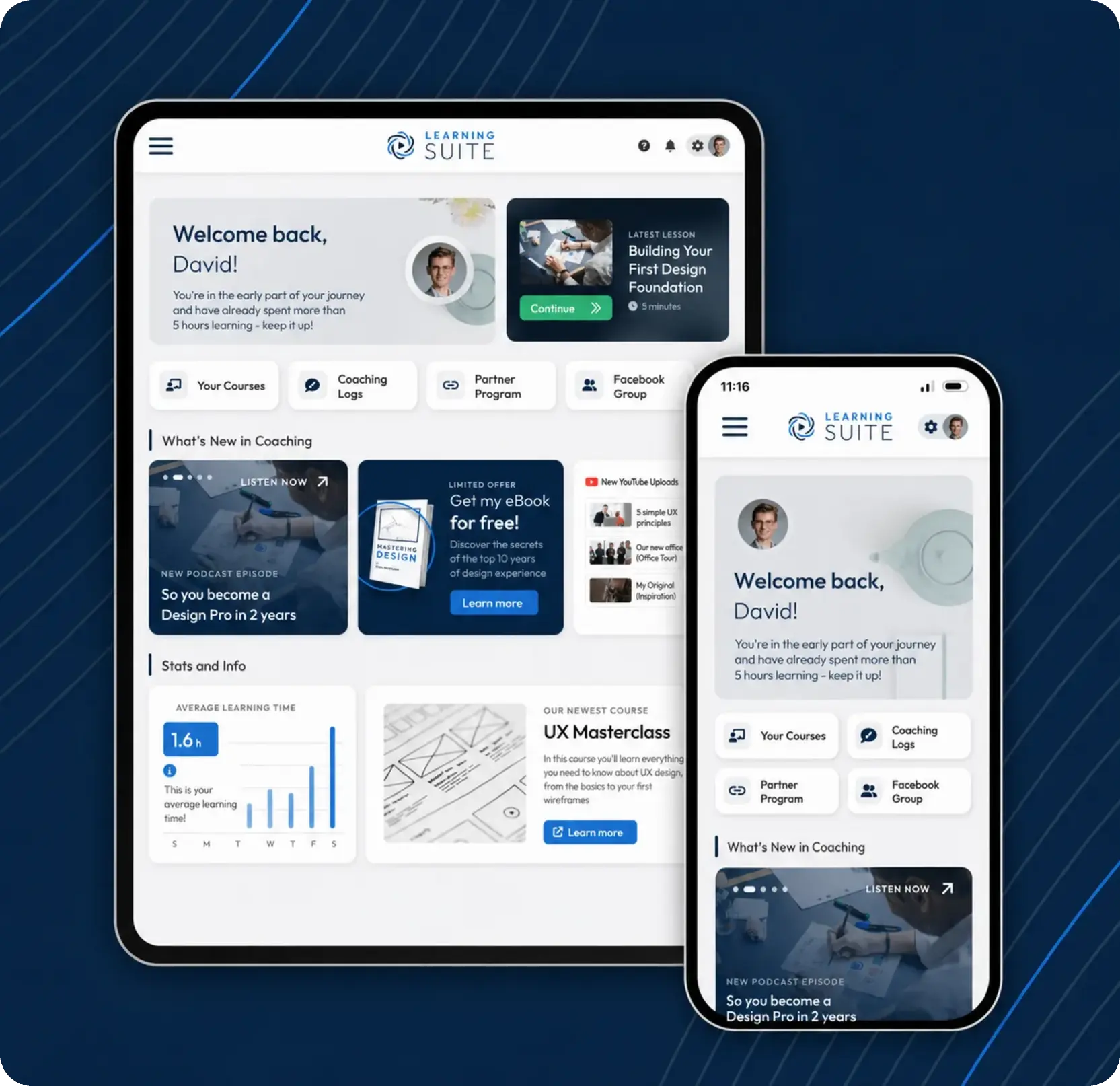
With the Member Dashboard, you can customize your members’ homepage to fit your exact needs.
You can now optionally place widgets directly on your members’ homepage—using the same system as Hubs.
This gives you the flexibility to provide important links, share news in a targeted way, or promote channels such as YouTube or Spotify.
To use this feature, simply click "Member View" in Settings. You’ll find the relevant option there.
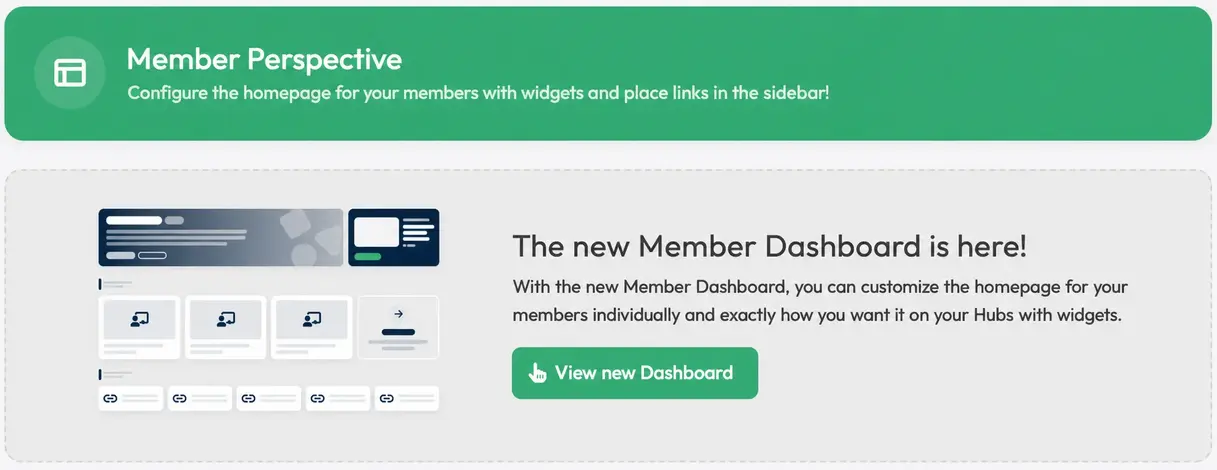
The dashboard is optional. So if you’re already completely happy with the current user experience, you don’t need to change anything.
Make Integration
You can now connect LearningSuite with Make. Make is an automation tool similar to Zapier, opening up entirely new ways to simplify processes and automate tasks.
This integration helps you make your day-to-day work even more efficient and save time.
To connect Make, simply go to "Integrations & Header/Footer Code" in Settings, copy the API key, and paste it into Make:
If you have questions about the Make integration, our support team is always happy to help. We can also help you plan and integrate automations in LearningSuite.
Optional Google Sign-In
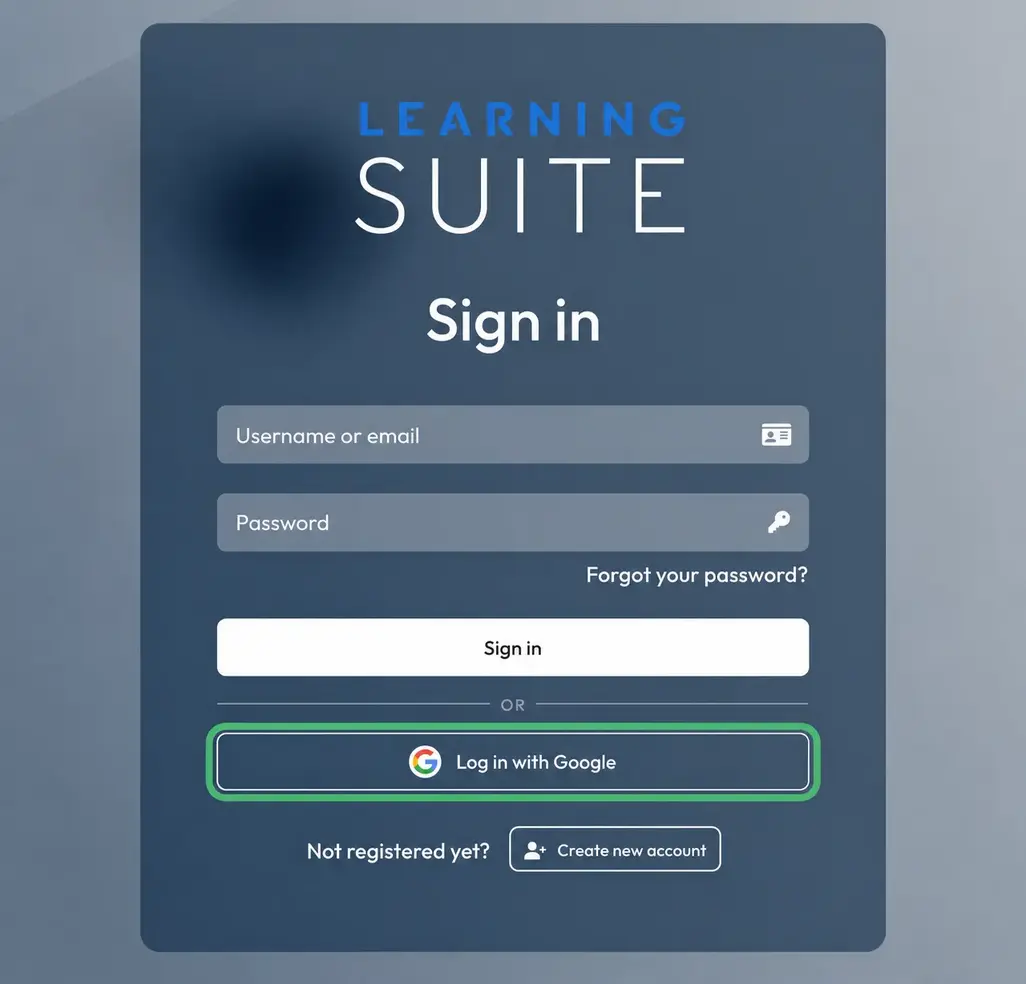
By popular request, we’ve now added the option to sign in to LearningSuite with Google. You can enable Google sign-in in the design settings.
Signing in with Google is only possible if the email address stored in LearningSuite matches the one associated with the Google account and that email address has already been verified.
We recommend using Google sign-in especially if you use LearningSuite for internal employee training and work with Google Workspaces.
Important information: As a coach, we don’t recommend using Google sign-in, as your coaching participants may get confused if they entered the wrong email address, which could increase your support workload.
3 New Widgets for Hubs
Video widget: Add a video to your Hub for your members to watch.
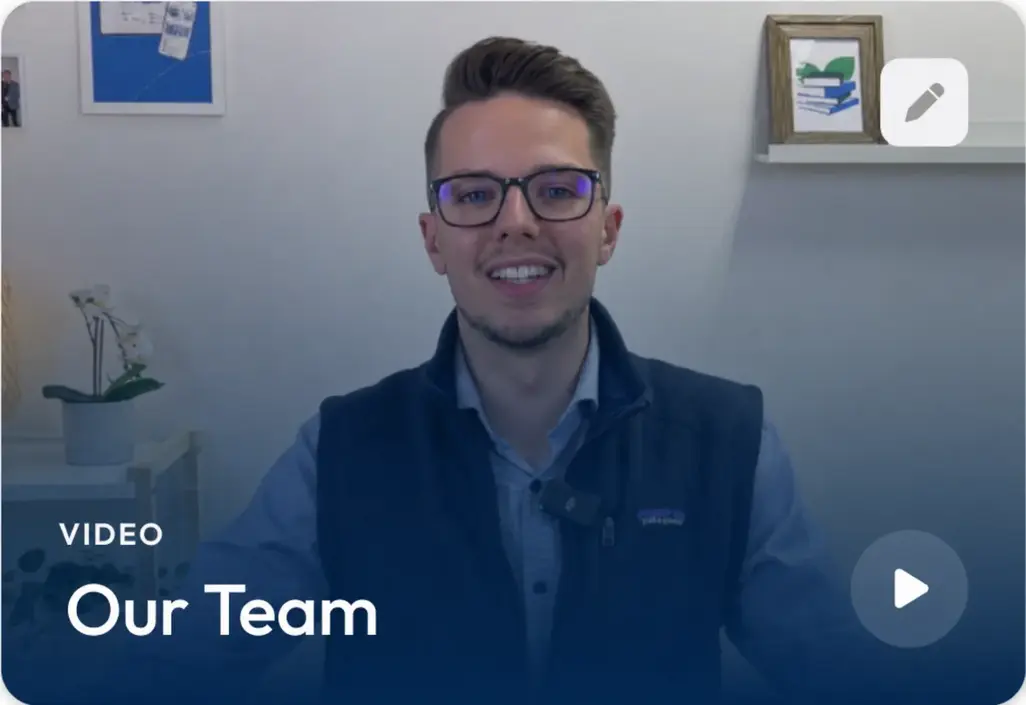
Image gallery: Display multiple images dynamically in one widget as a slideshow. The slideshow automatically changes images every few seconds.

Image widget: Use this widget to create custom image designs and display them in your Hub. You can also assign a link to an image, for example to present upsells in a more compelling way. Users can also view the image in full screen.

More Improvements:
- The video recorder has received performance improvements, making your recordings even smoother
- The user experience of the video recorder has been optimized
- Dark mode has received several optimizations
- The background color in dark mode now has a subtle tint of your primary color
- Settings have been optimized and are now clearer than before
- Many more improvements and optimizations across the entire platform