.svg)
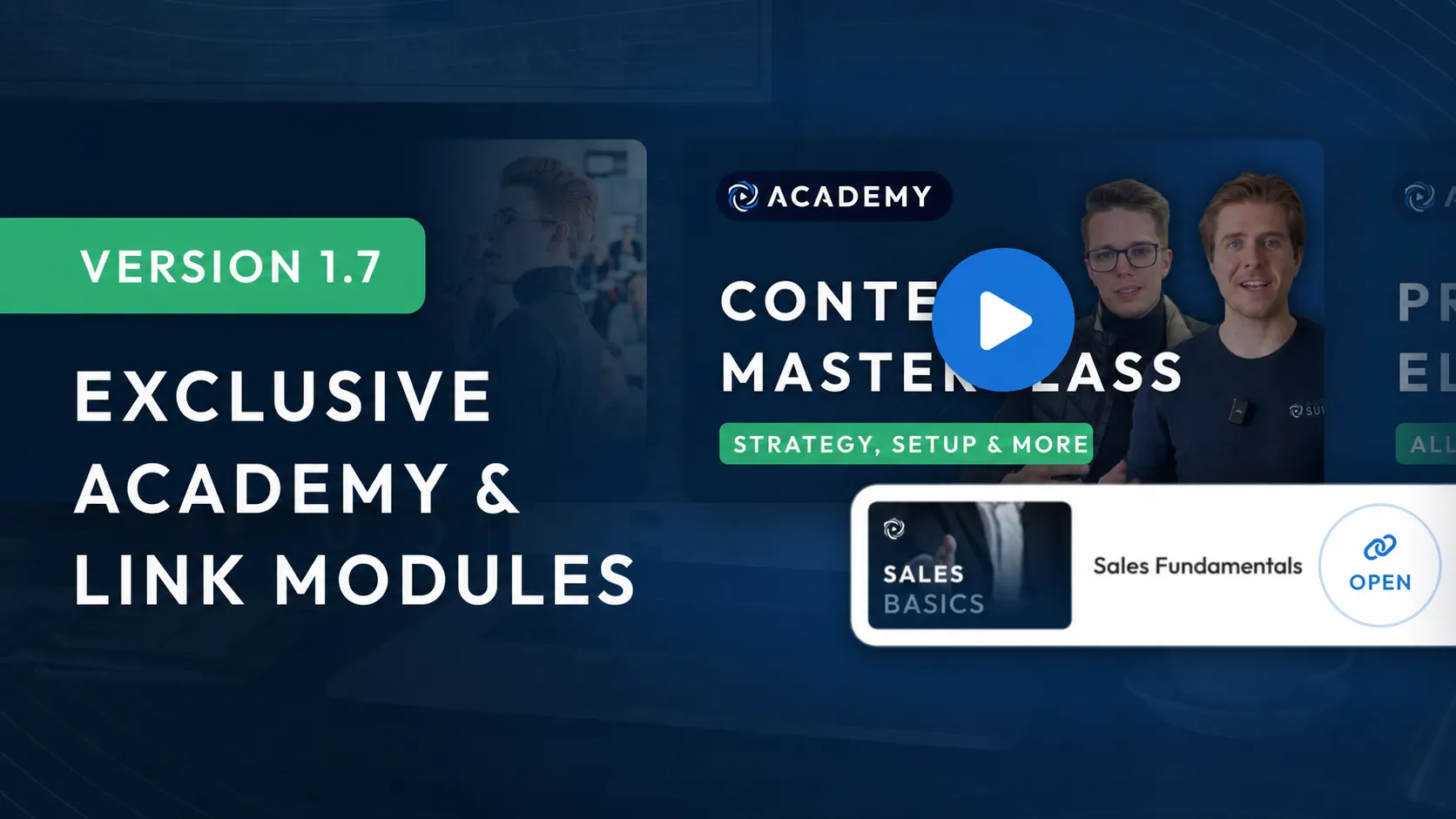
Version 1.7: Exclusive Academy & Link Modules
This update is our thank-you to our incredible customers—trailblazers in the e-learning space who help tens of thousands of people improve through their content.
You asked us for course-building templates, the ability to create content on your smartphone while on the go, and a way to restore deleted content. With Version 1.7, we're bringing you exactly these features to thank you for your outstanding work and valuable feedback.
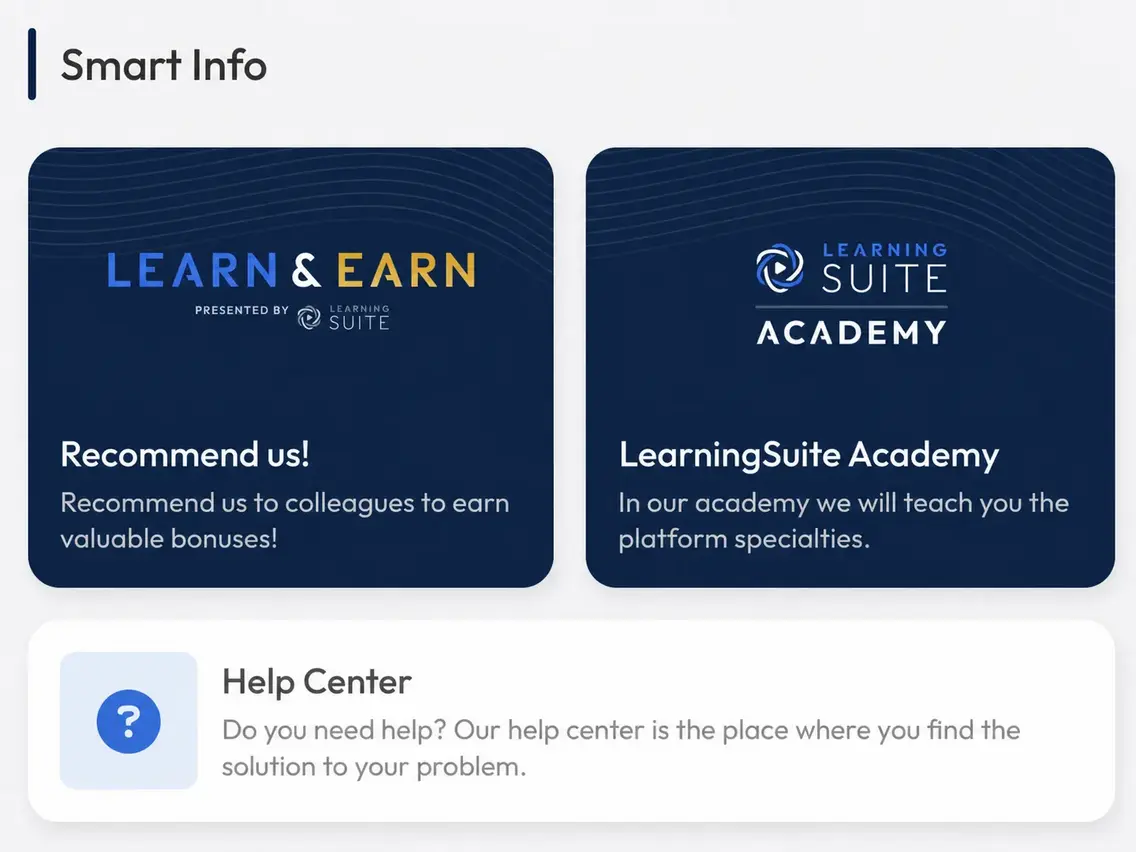
Launching the LearningSuite Academy

With the LearningSuite Academy, you get essential content to help you make the most of LearningSuite. Every user with access to the admin view can access the LearningSuite Academy.
We're launching the LearningSuite Academy with 3 courses:
- Become an LS Pro in One Hour: Learn the fundamentals you need for LearningSuite.
- Content Masterclass: Learn how to create effective content, increase member engagement, and discover plenty of tips and tricks.
- E-Learning Days: Get exclusive insights into the presentations from our E-Learning Days in this course.
We'll continue expanding our Academy. If you have content ideas, feel free to share them with our support team.
Mobile Editor
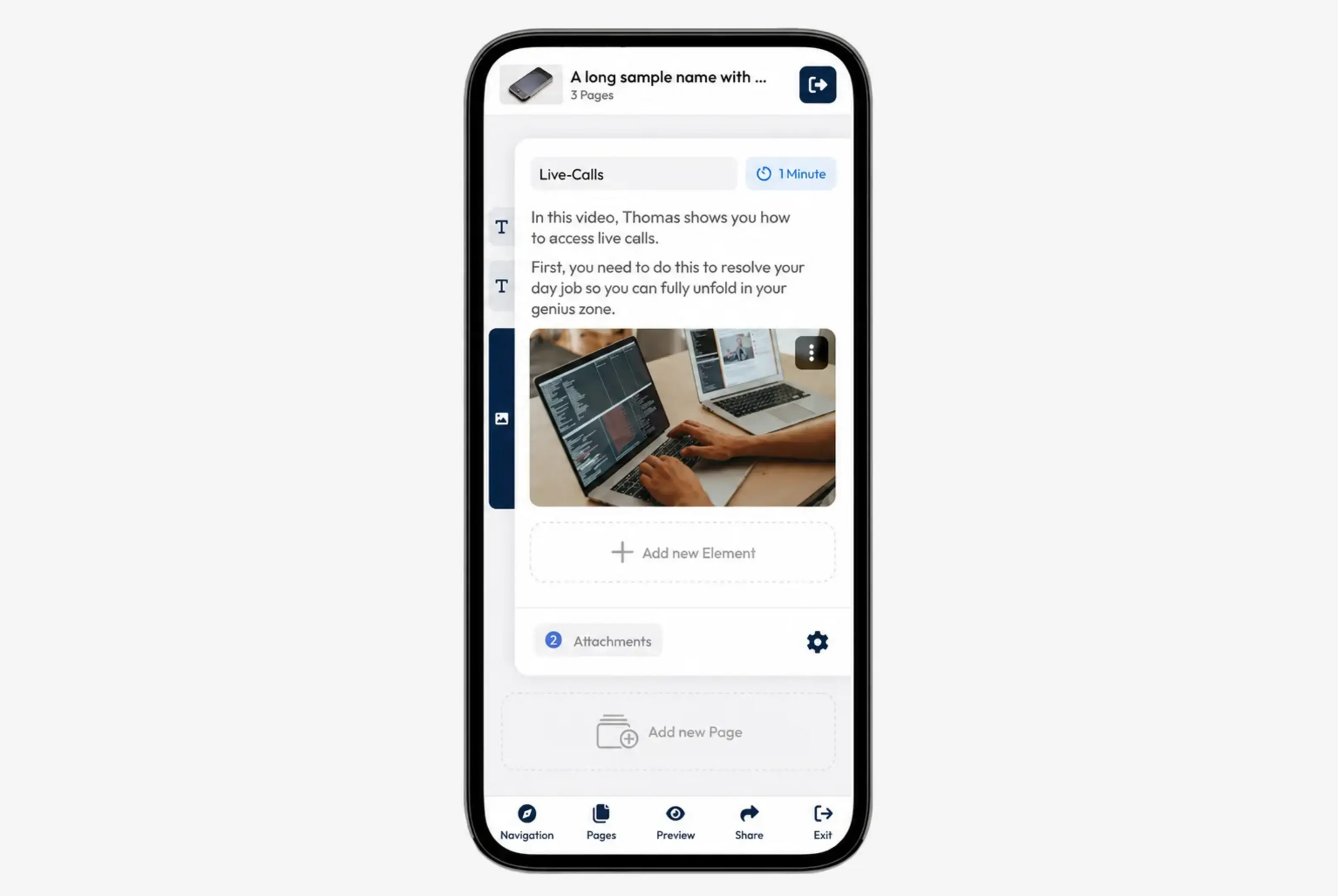
The content editor is now optimized for mobile devices. You can now create content on your smartphone, change the order, add pages, record videos, and much more.
Perfect for making quick edits to your content. Please note that the editor's full functionality is only available on desktop computers.
New Group: "All Members"
There's now a general group that automatically includes all members. This lets you grant access to a course or Hub for every member directly, without having to manually add new members to a group.
Launching Our Referral Program
LearningSuite's LEARN & EARN program is exclusive to our customers and designed to make recommending us even more rewarding.
If you know someone who could reach the next level with LearningSuite, click Learn & Earn in the Admin Dashboard and use our referral program to earn great rewards and commissions.
Link Module
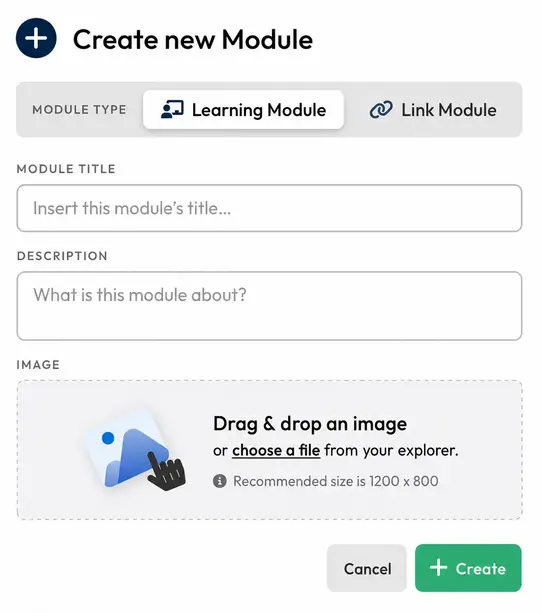
You can now add modules that function as links. These links can point to content in other courses or serve as static links to any website.
Global Trash
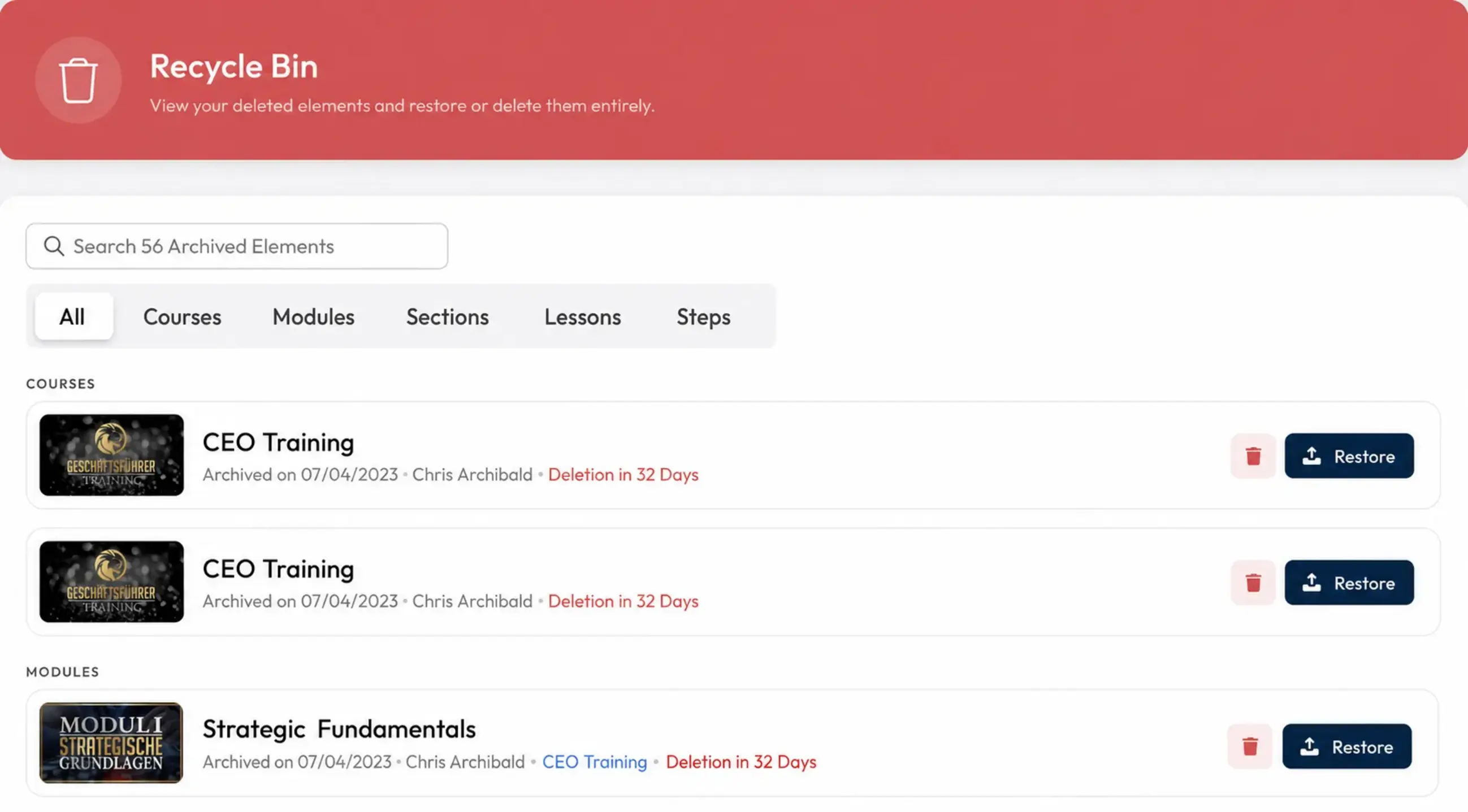
With the global trash, you can restore any content deleted in LearningSuite for up to 60 days. Only owners can permanently delete content from the trash. This ensures that important content can't be deleted without oversight.
New Icon Chooser 2.0
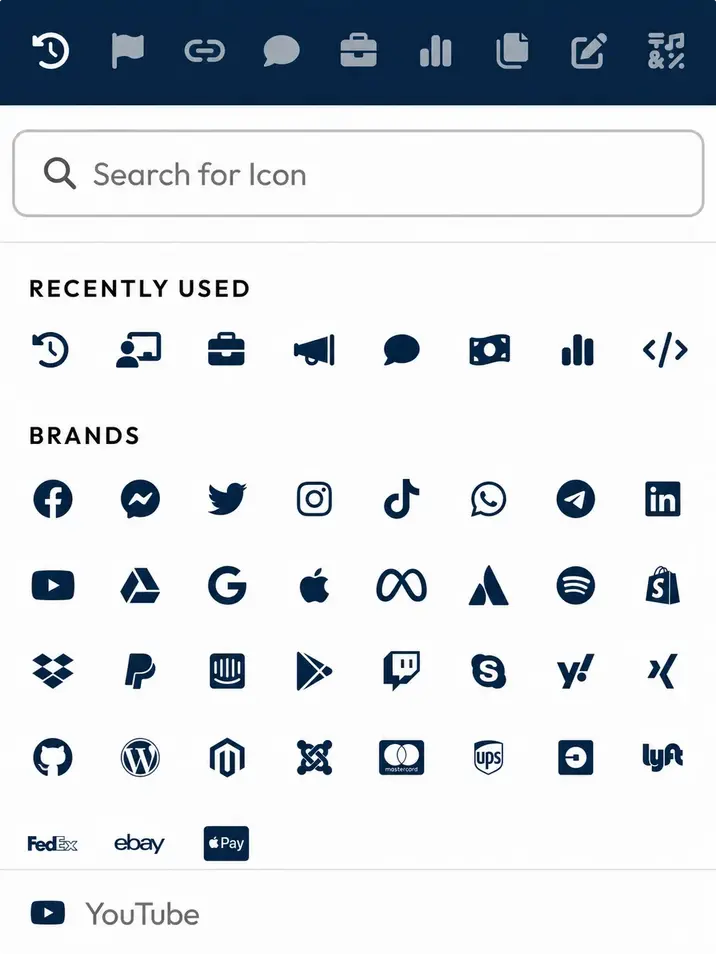
We've completely redesigned the Icon Chooser to make finding the right icons easier. The tile view gives you a much better overview of all available icons, so you can find the right one faster.
We've also added 150 more icons, so you can choose the perfect icon for every use case. If there's an icon you'd like to see that isn't available yet, simply submit your request in the support chat.
Adding Users Is Now Even Easier!
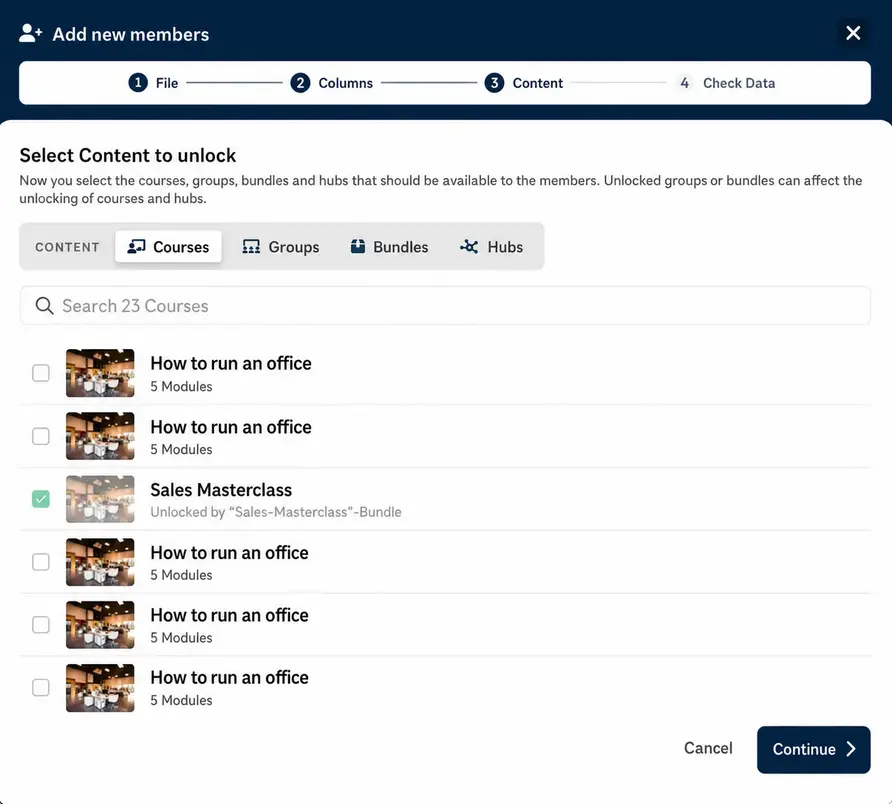
We've significantly optimized the popup for creating new users and the Excel import popup.
Instead of selecting groups and courses in a separate tab, you can now select all types of content directly when creating new members—all in a clear tab layout.
Performance Improvements
We've made some game-changing optimizations under the hood to give you and your users an even smoother experience.
Here's what that means:
- Statistics load significantly faster than before
- Courses & Modules load dramatically faster than before
More Improvements:
- Members can now see in the Module overview whether Lessons contain files or submissions.
- You can now cancel content uploads directly in LearningSuite.
- The editor preview now mirrors the member view exactly, and multiple-choice questions and fill-in-the-blank questions are now simulated correctly.
- You can now filter members by courses.