.svg)
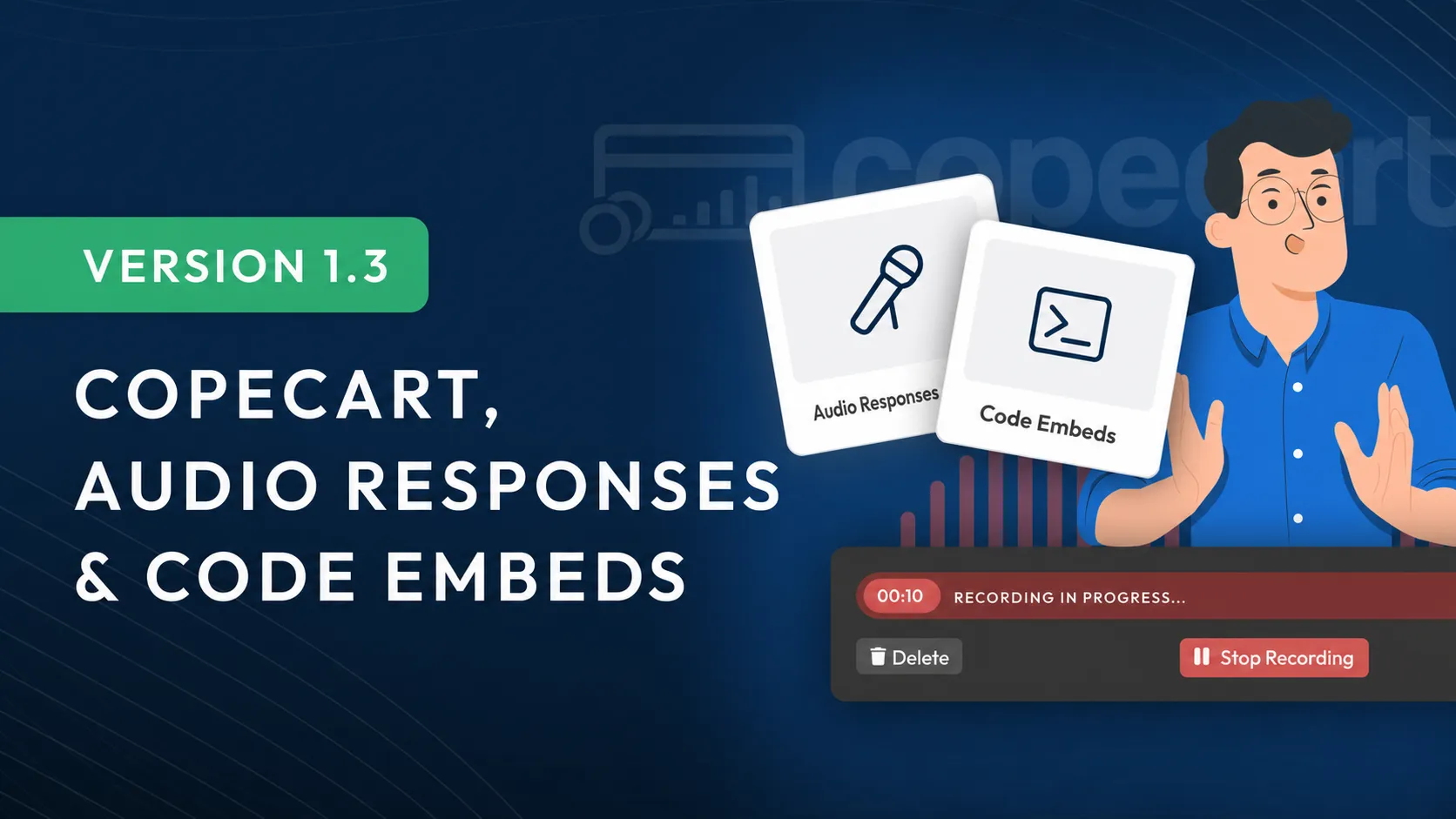
Version 1.3: CopeCart, Audio Responses & Code Embed
In this update, we've introduced a wide range of new features, improvements, and optimizations. One particularly requested feature is now available: setting the Course order for members.
We've also implemented a dedicated CopeCart integration in LearningSuite, so you can effortlessly sell your courses directly through LearningSuite. There’s great news for speaking coaches and sales trainers using LearningSuite, too: with the new audio response feature, your members can now create audio recordings directly in LearningSuite for you to review and comment on individually.
But these are just a few of the many new features waiting for you in Update 1.3!
All Changes at a Glance:
- Added CopeCart integration
- Audio responses are now available for submissions
- Course sorting is now available
- Improved performance for 1,000+ users
- Code embed is now available in the editor
- Keyboard shortcuts for the video recorder
- Numerous bug fixes & optimizations
Added CopeCart Integration
With our brand-new CopeCart integration, you can sell your LearningSuite courses on your own sales page. It’s ideal for info products and much more. If you'd like to learn more, feel free to read our article on the topic: https://intercom.help/learningsuite/de/articles/6697305-copecart-integration
Audio Responses for Submissions
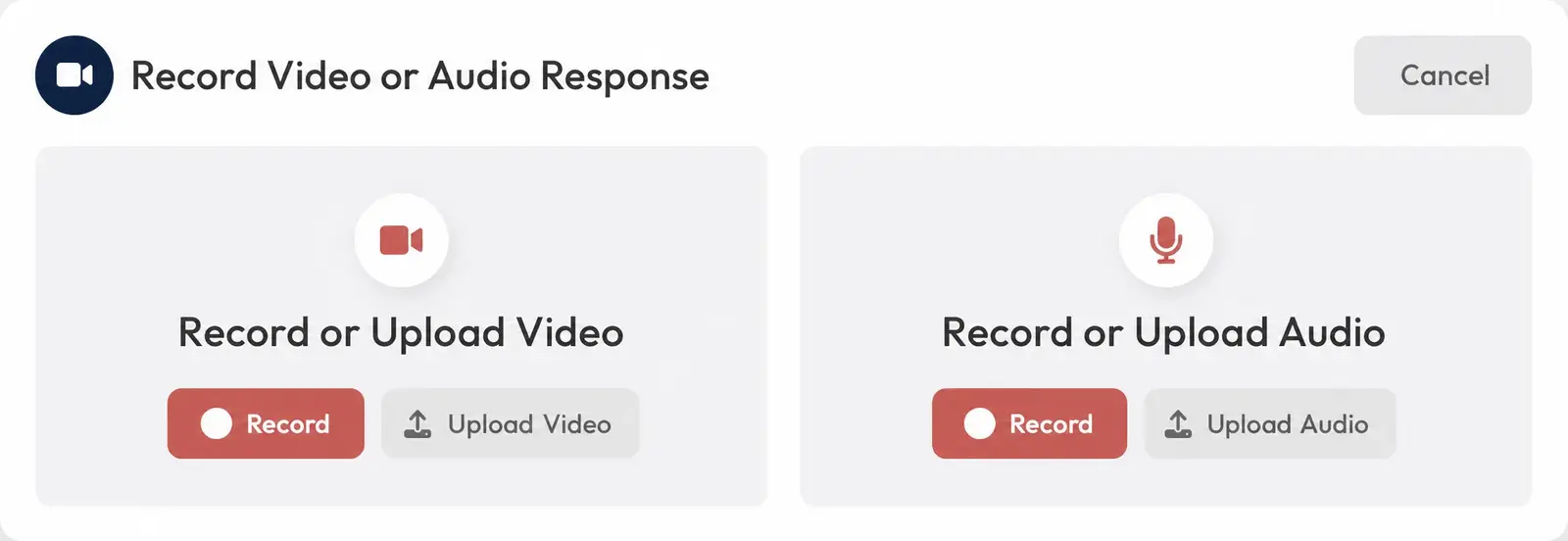
For member submissions, you can now respond with audio as well as video. This is ideal when you don't have a webcam available.
Course Sorting Is Now Available
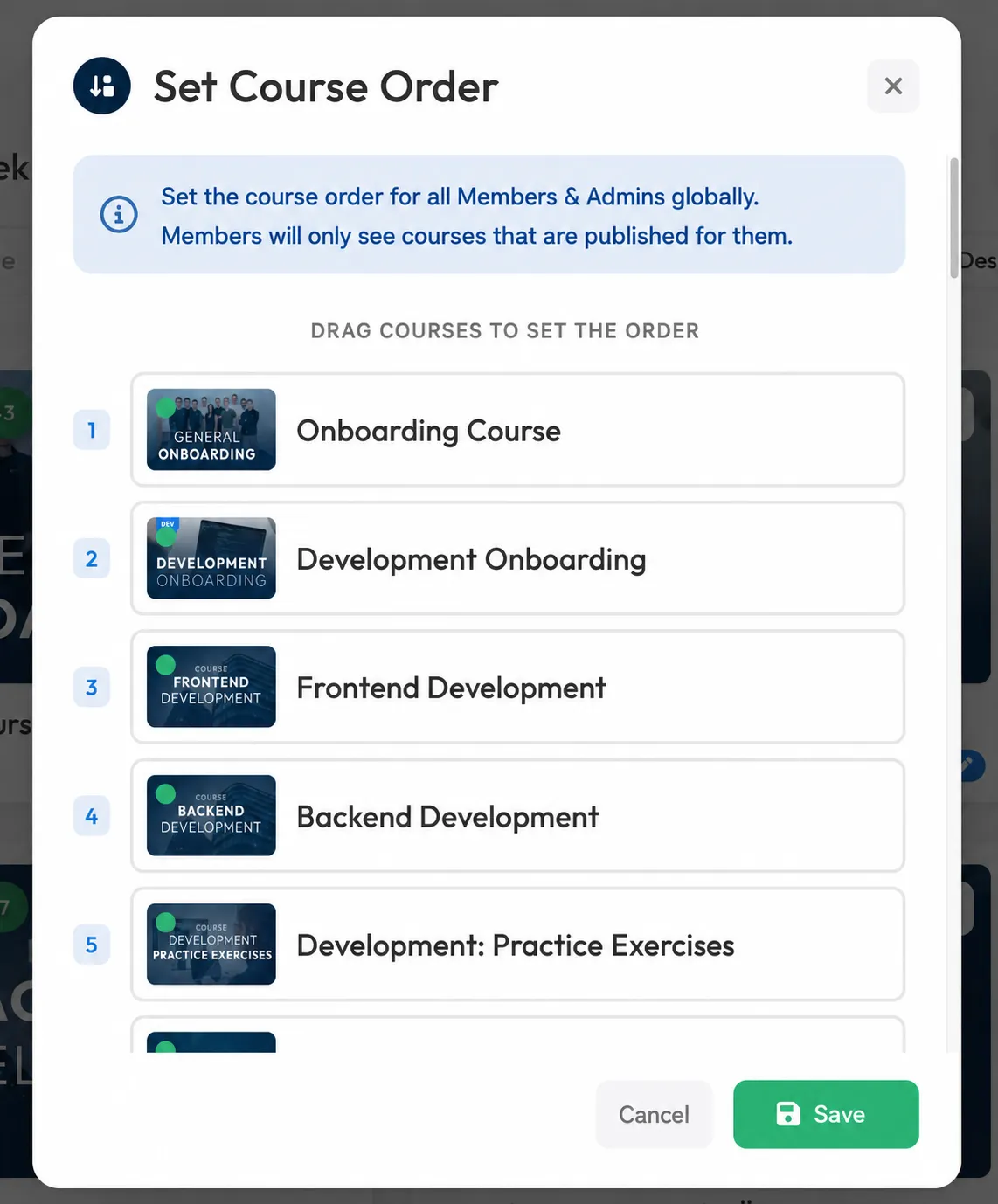
You can now sort your courses so your admins & members always see the most important courses first. Simply click the "Course Sorting" button in the top right of the Course Overview and use drag-and-drop to change the Course order.
Better Performance for 1,000+ Users
With a little magic, we've optimized the platform so it now runs smoothly with several thousand users on your instance. User search now works at lightning speed.
Code Embed in the Editor
We've added a new element called "Embed Code" under the "Interactive Elements" tab in the editor. You can use it to embed content from other web apps, such as Google Forms, in our editor.
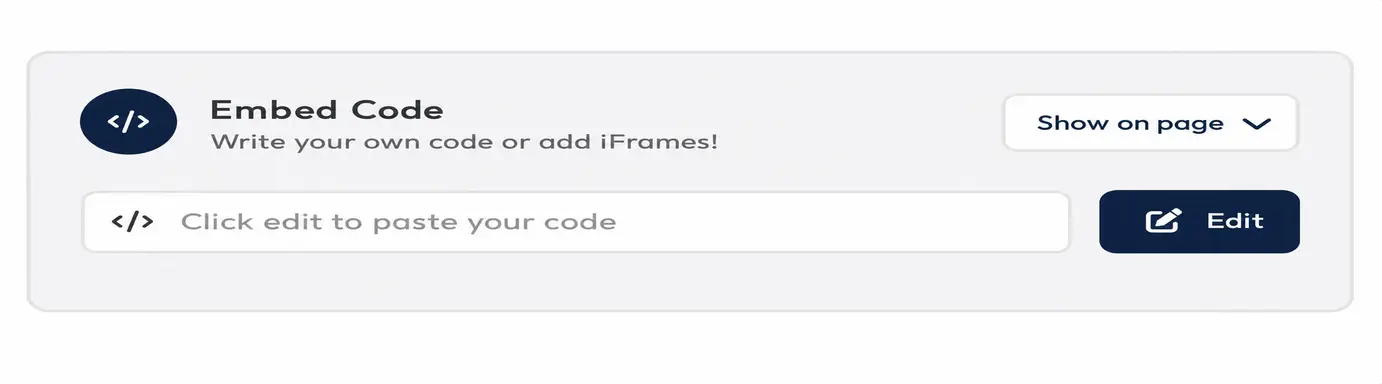
You can display the code directly in the current step, or place it in a popup that can be opened with a button.
Keyboard Shortcuts for the Video Recorder
So you don't have to take your focus off the camera when ending a recording, we've added two keyboard shortcuts:
Shift + F stops your recording
Shift + D pauses and starts your recording
Numerous Optimizations
- Dark mode has been refined and now looks more balanced, especially in the editor and on the learner page
- The user experience for accepting the terms and conditions has been optimized
- The link in the Link Card widget is now optional
- You can now edit your password and email directly in your profile settings
- We've removed the three-dot menu in User Management to create more screen space, especially on mobile devices
- The footer in lists has been redesigned and is now also translated into German
- Many more refinements and small details that add up to a big difference :)