.svg)
Community & Mobile App for iPhone & Android
Over the past few months, we've been working intensively on by far the biggest update in LearningSuite's history.
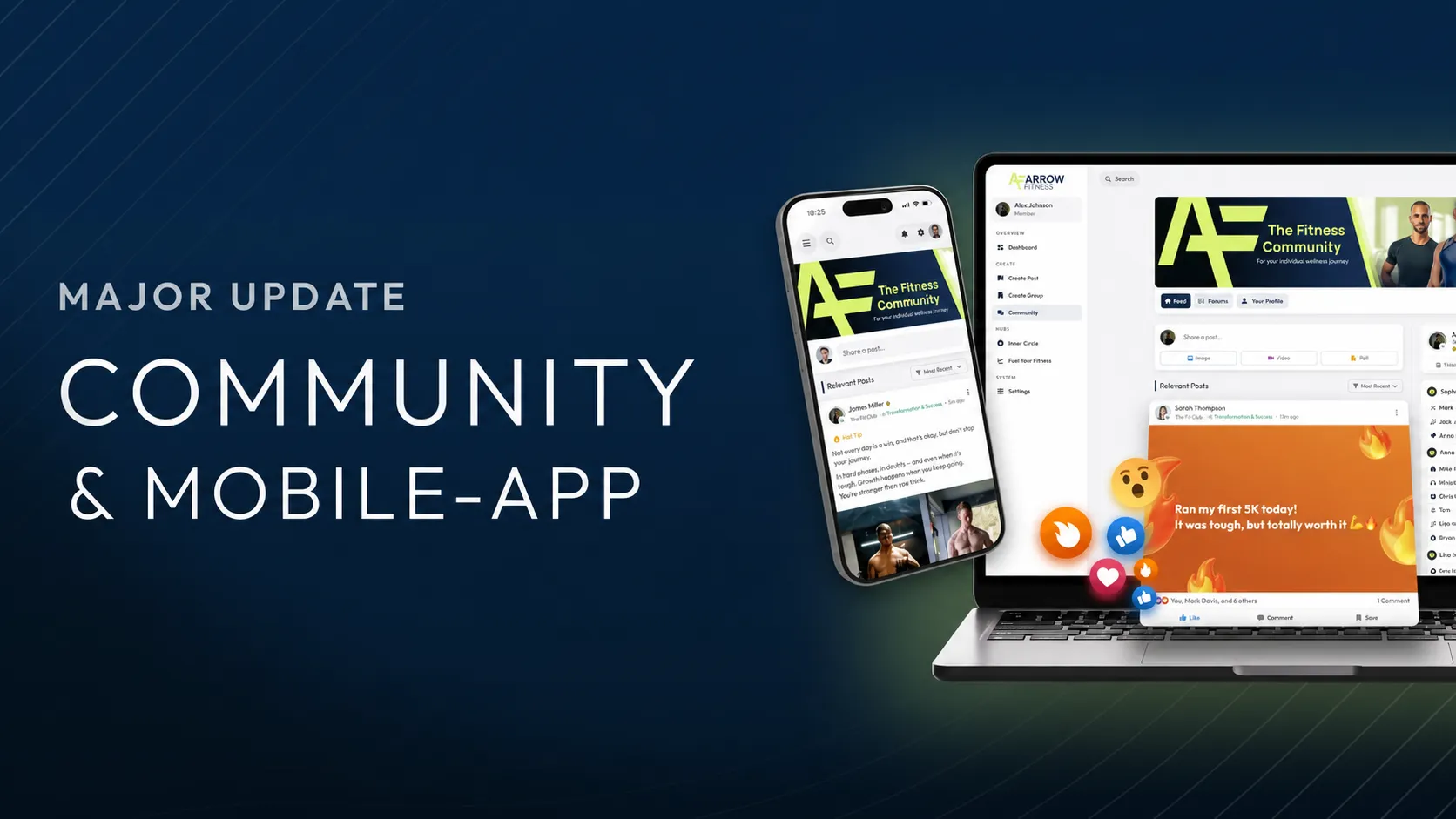
With this update, you're getting not only by far the most comprehensive Community feature on the e-learning market, but also a native app for Android, iPhone & iPad.
Like every LearningSuite feature, we built the Community to be instantly intuitive, feel incredible, and be lightning-fast.
Combined with every feature you need for the perfect Community, this update gives you the complete solution for building the ultimate learning platform as a coach, agency, or company:
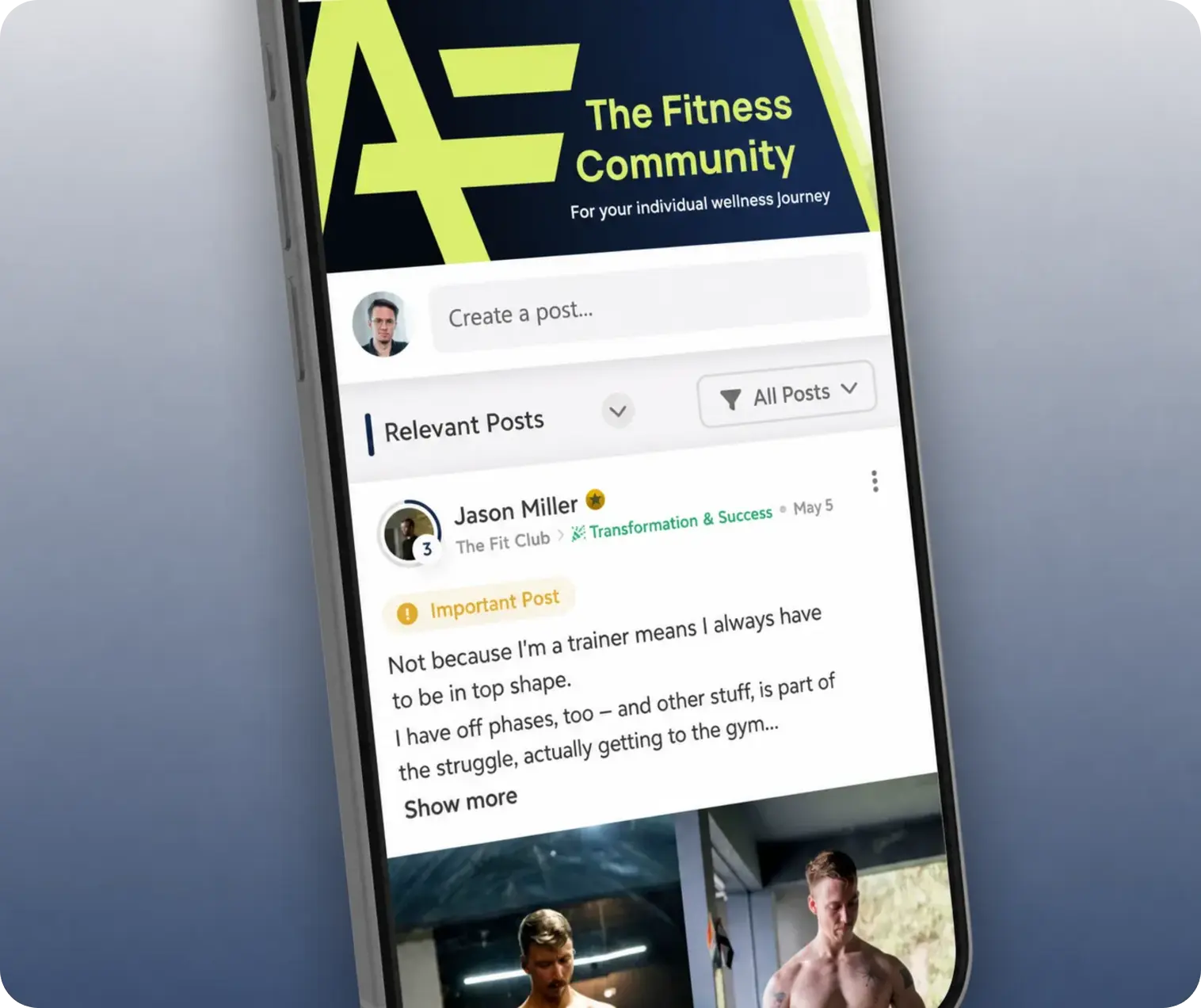
Intelligent & Personalized Feed
The LearningSuite Community is the first Community in e-learning to use AI algorithms similar to those used by the biggest social media platforms, including Facebook, Tik Tok, and Instagram—creating the same addictive stimuli.
Our personalized feed uses a sophisticated recommendation algorithm, so your Users always find the posts relevant to them, tailored to their personal interests.
Advanced Forum System
We've developed a dedicated forum system that lets you structure your Community perfectly for your use case.
Choose From 3 Types of Forums:
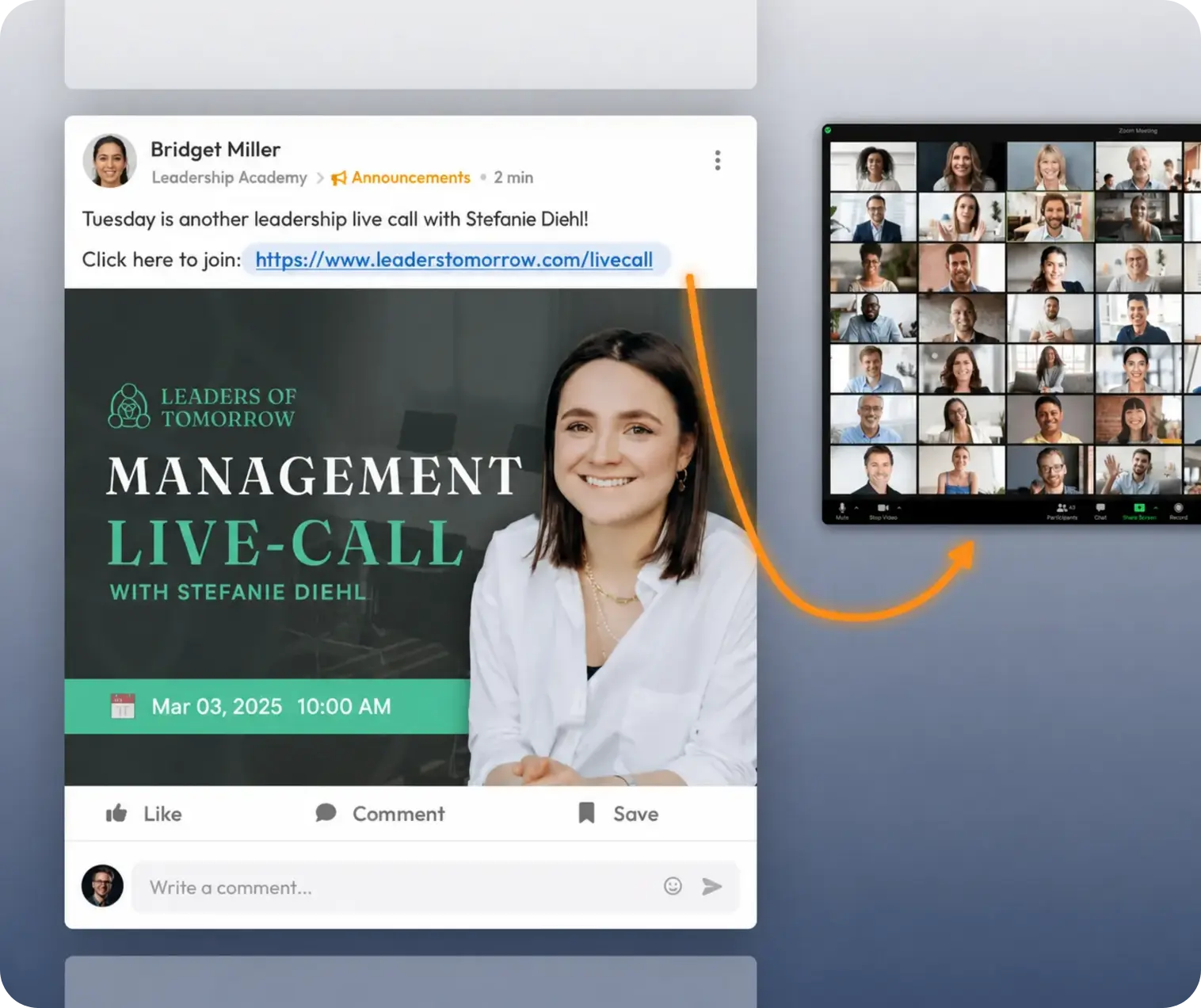
1. Announcement Forums
These forums are exclusively for admins to keep Users informed about important news, such as live calls, new Courses, events, or other updates.
Only admins can create posts here, and all Users receive a push notification as soon as a new post is published.
2. Feed Forums
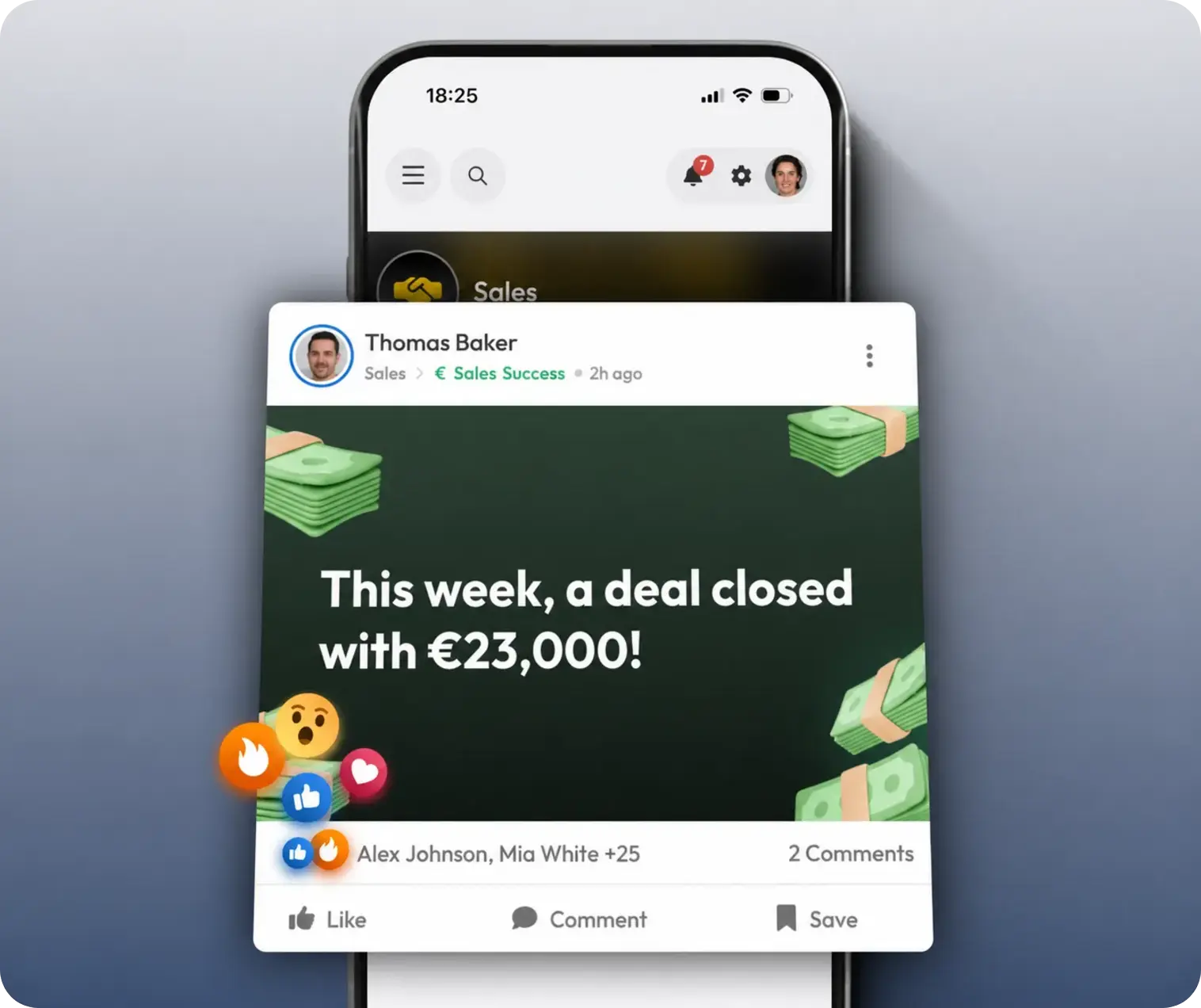
Think of it like a Facebook group. Both admins and Community Members can post here—with images, videos, background graphics, files, or links to content from your Courses.
3. Discussion Forums
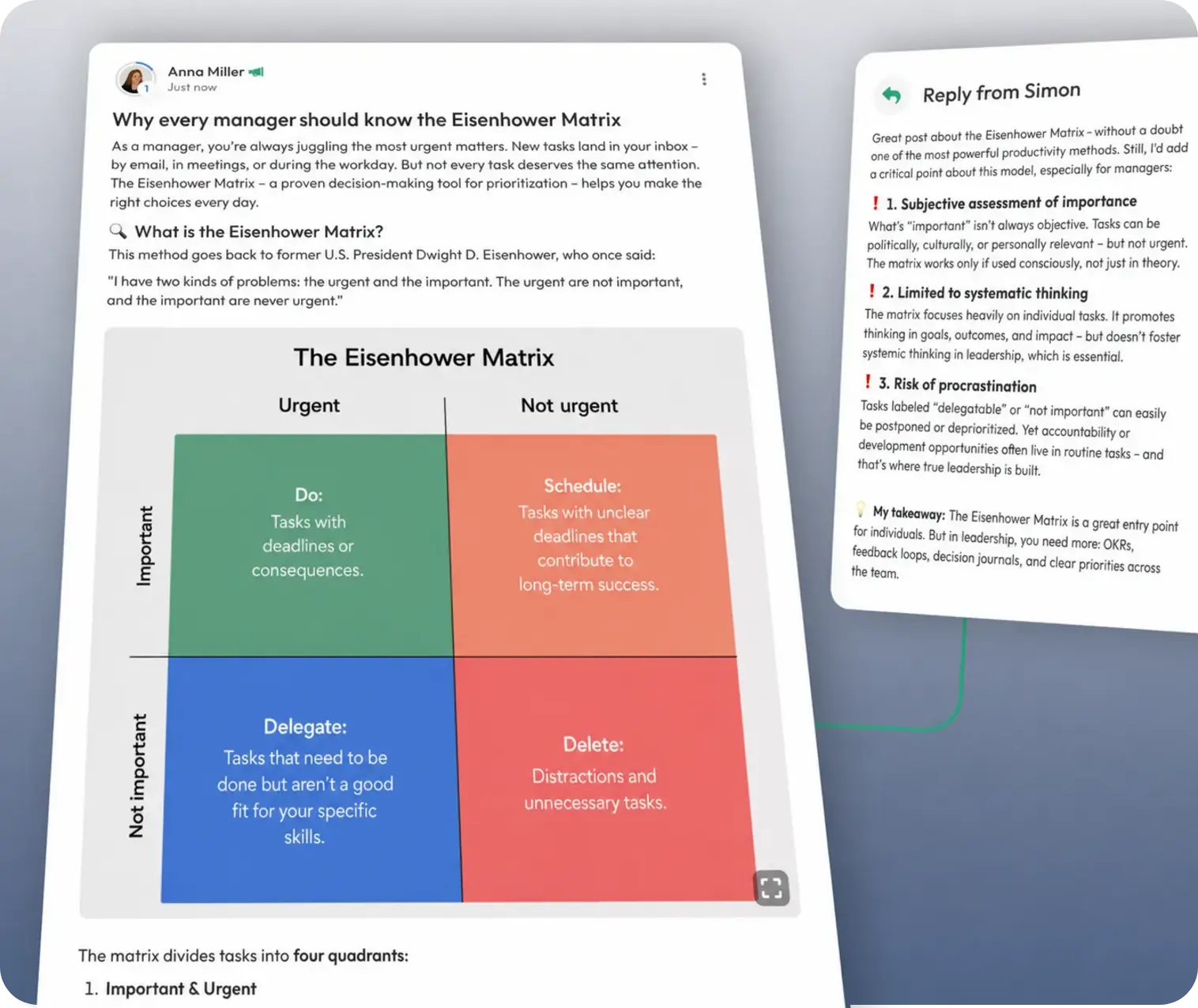
These forums are designed specifically for in-depth discussions, much like classic forums. You can create detailed posts enhanced with multiple images, graphics, videos, and text formatting.
Branding:
As you'd expect from LearningSuite, you can customize your Community entirely to match your brand. Choose your header style, set colors, fonts, and corner rounding, and design a Community that fits your branding perfectly. You can also add custom profile fields, set an individual admin color, and decide how Member profiles appear in posts.
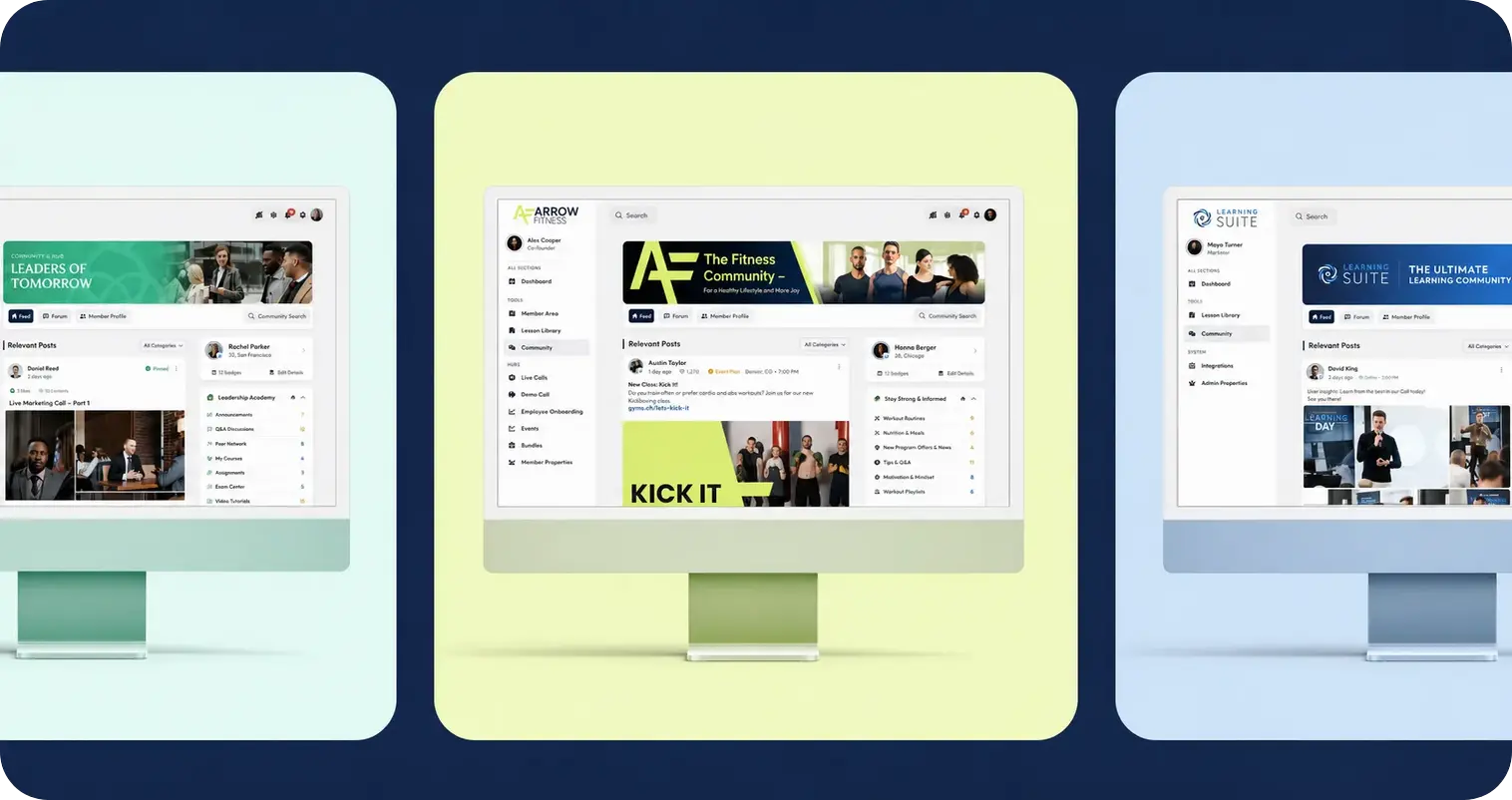
This helps you stand out clearly from other Communities and turns the platform into your own personal network.
Engagement
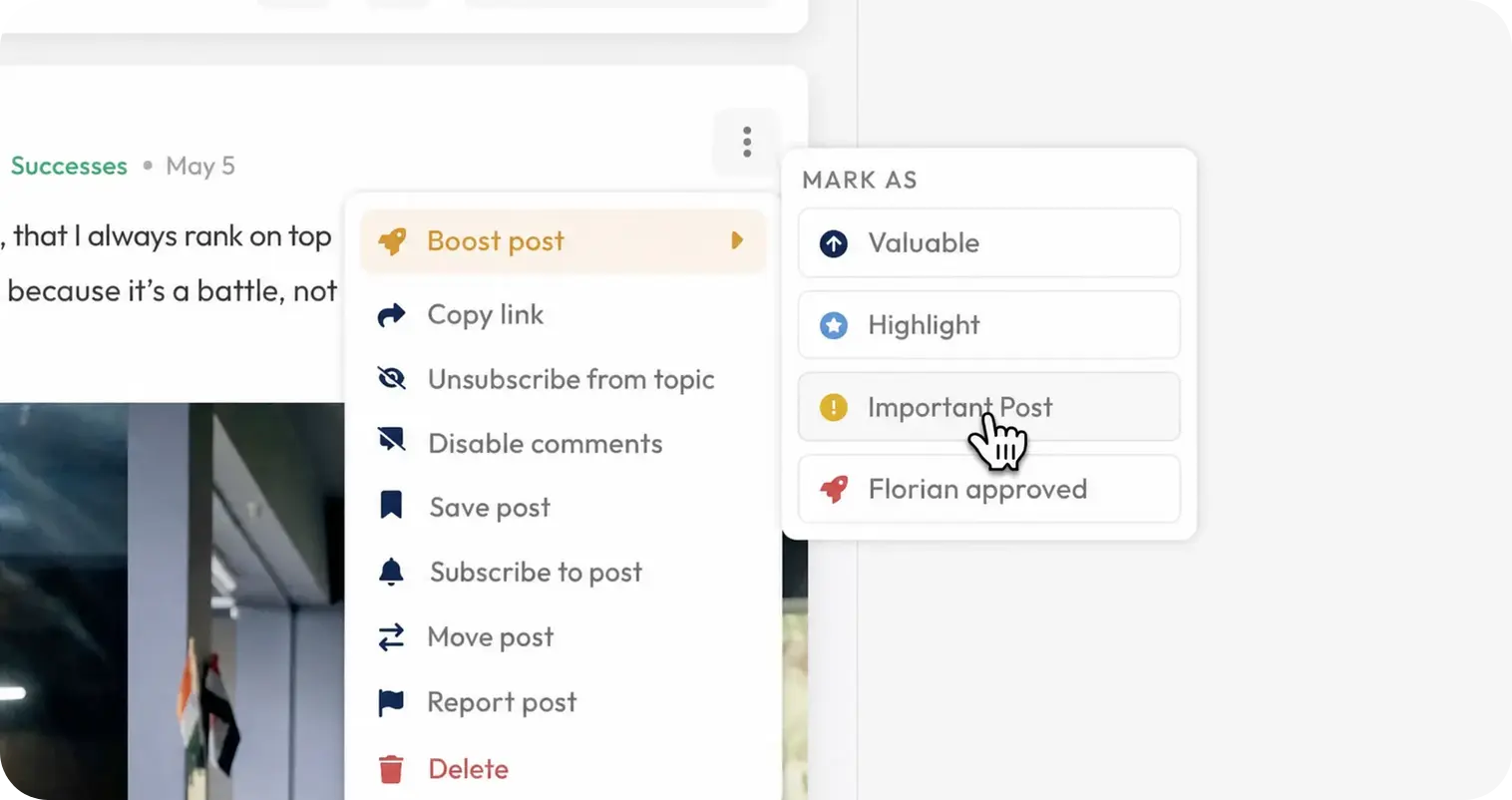
We've also added new features for engagement. With the boost feature, you can highlight posts from your Users as an admin. They get prioritized in the algorithm and receive a visible marker on the post—the perfect combination of reach and recognition.
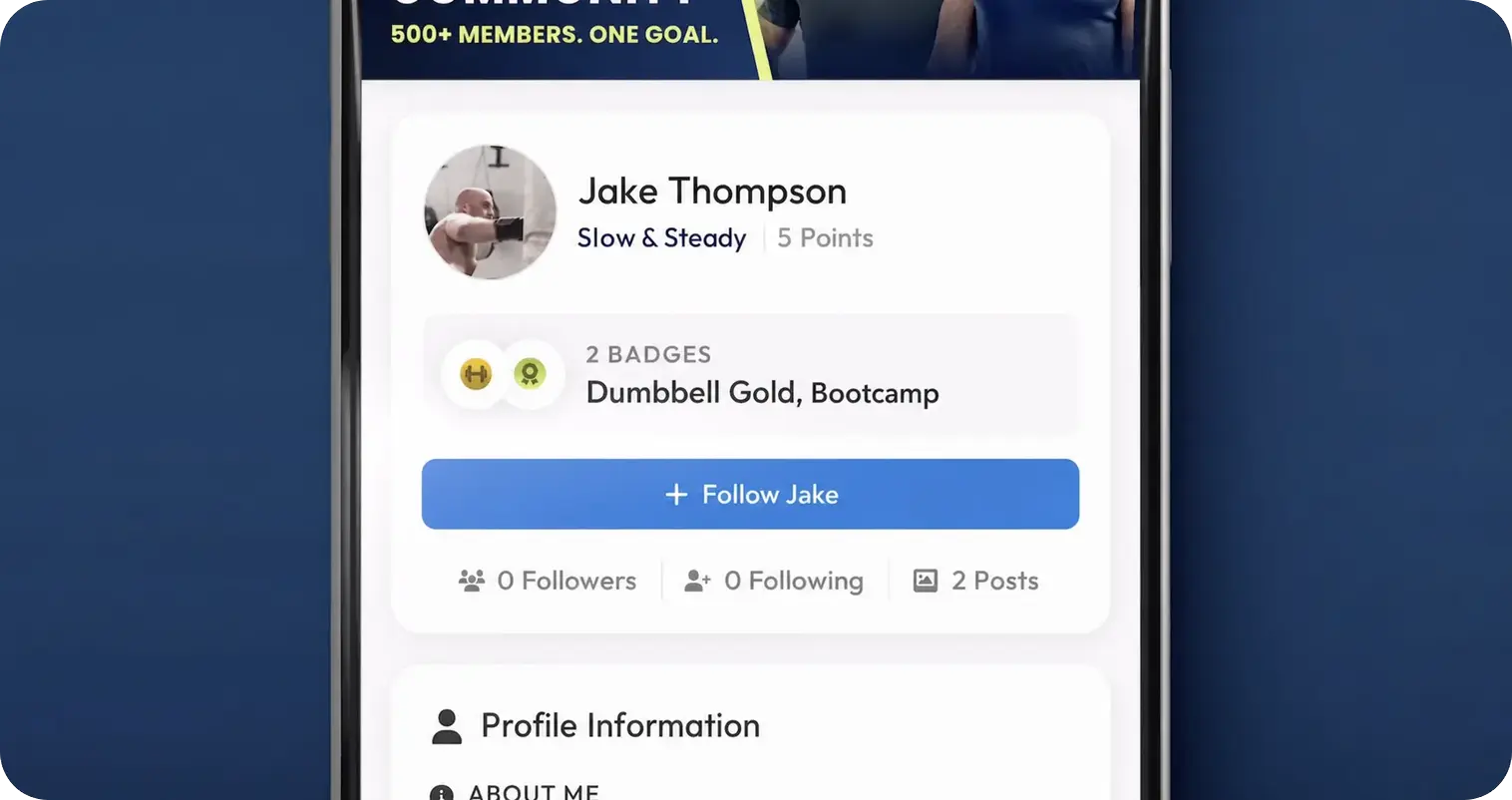
There's also a follow feature now: Users can follow each other and receive push notifications whenever someone they follow publishes new content. This creates a whole new incentive for engaging posts and interactions.
Gamification Features
Our gamification system brings even more motivation. Users earn points through likes and comments on their posts, moving up level by level. You can customize every level completely—from names and colors to custom icons.
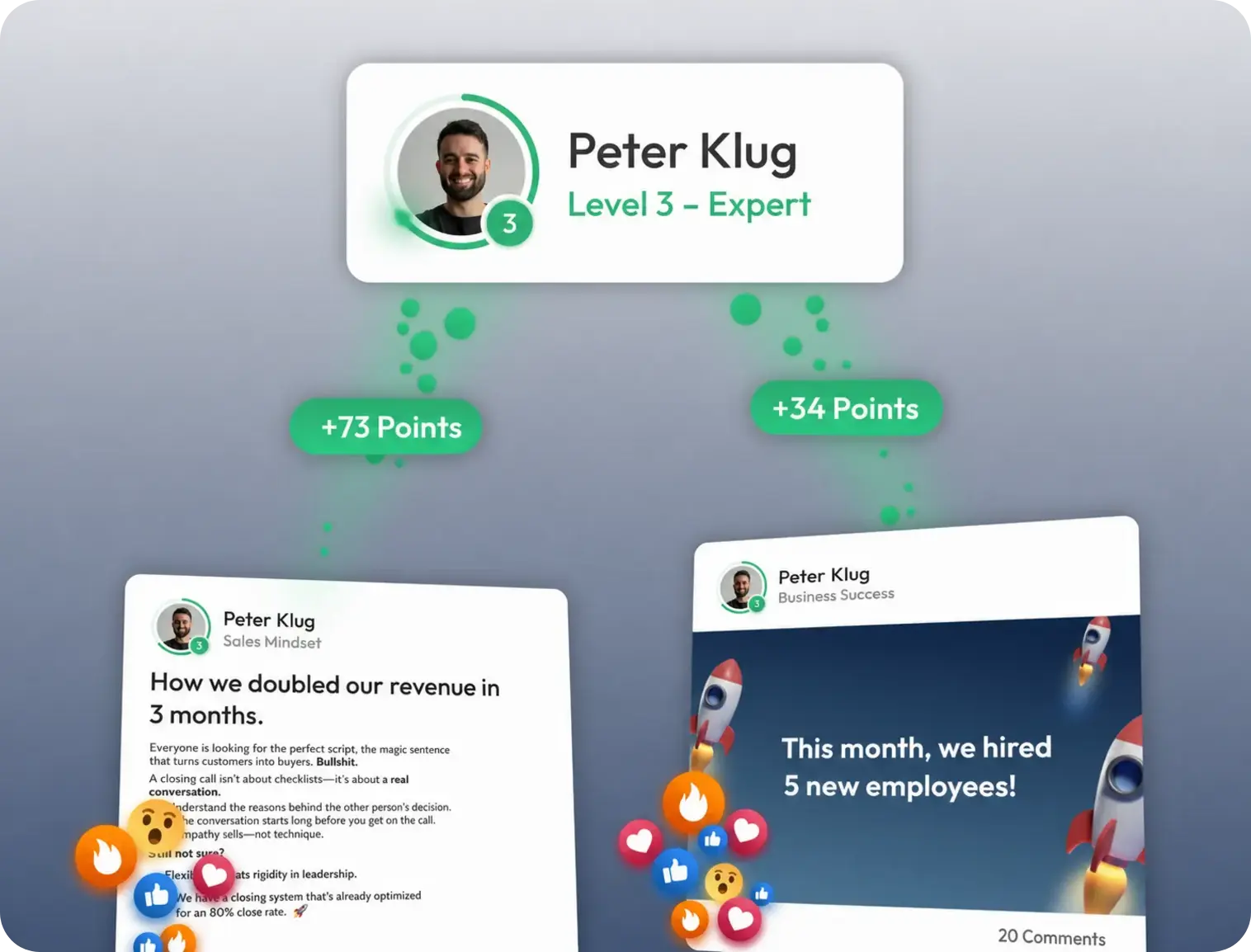
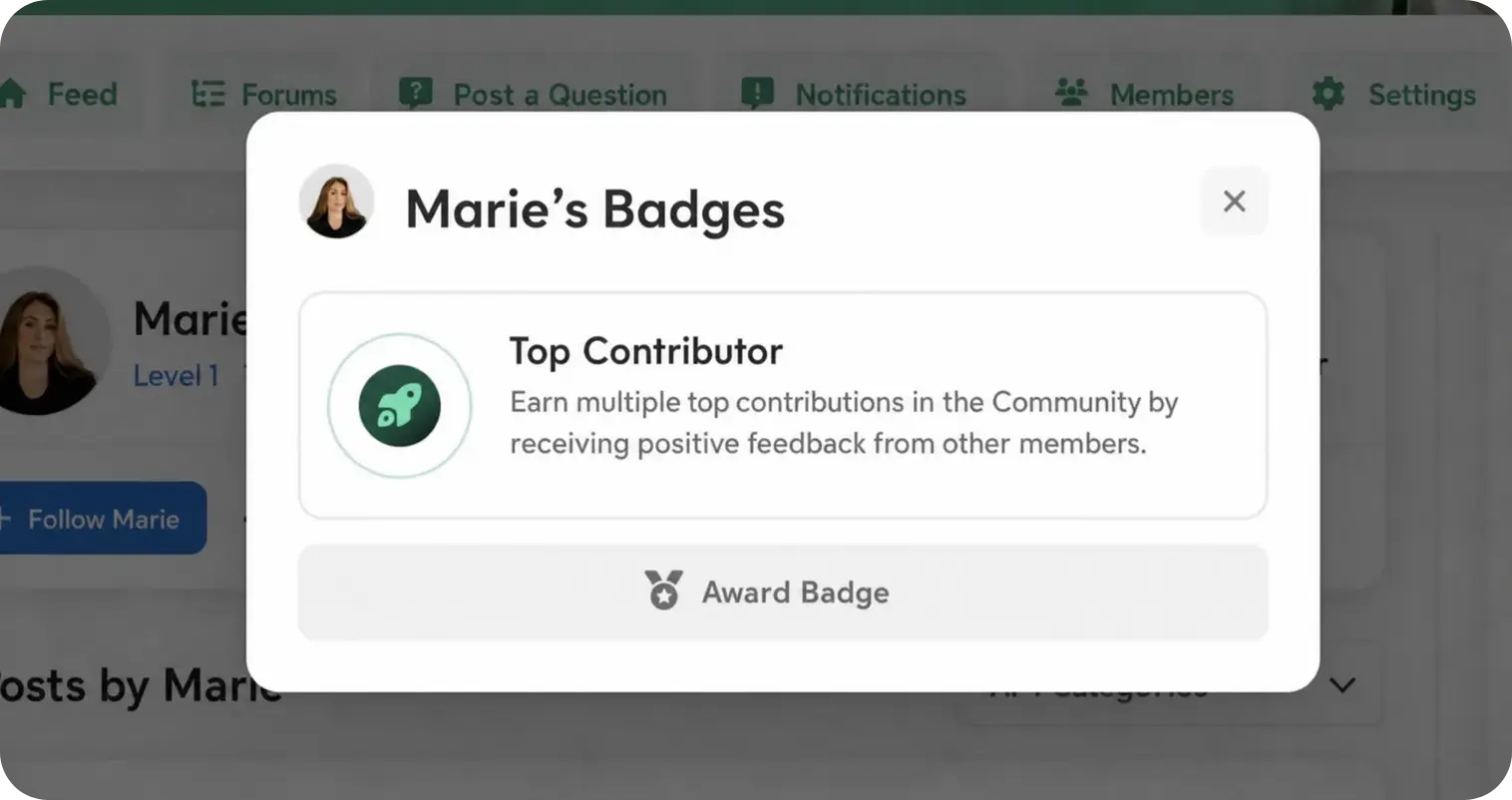
You can also award badges: recognitions for special achievements or contributions, such as a “Top Contributor” badge. This turns every post into an opportunity to get noticed and recognized in your Community.
Moderation
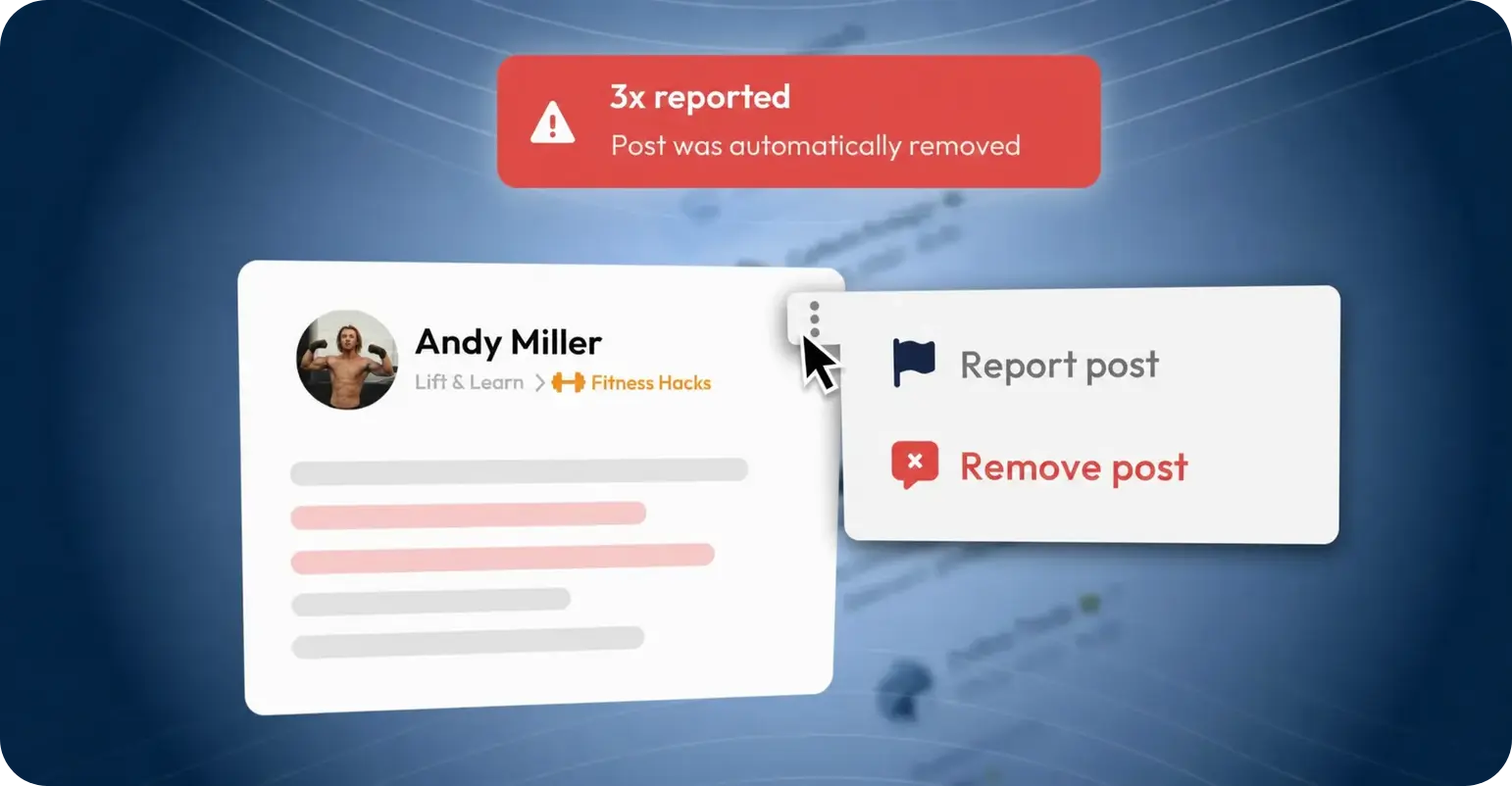
Of course, our moderation features keep you in full control at all times. You can require posts to be reviewed before they go live.
Users can report content, and if a post receives too many reports, it is automatically blocked until your Team decides whether to approve it. That keeps your Community clean, professional, and spam-free.
Access Management
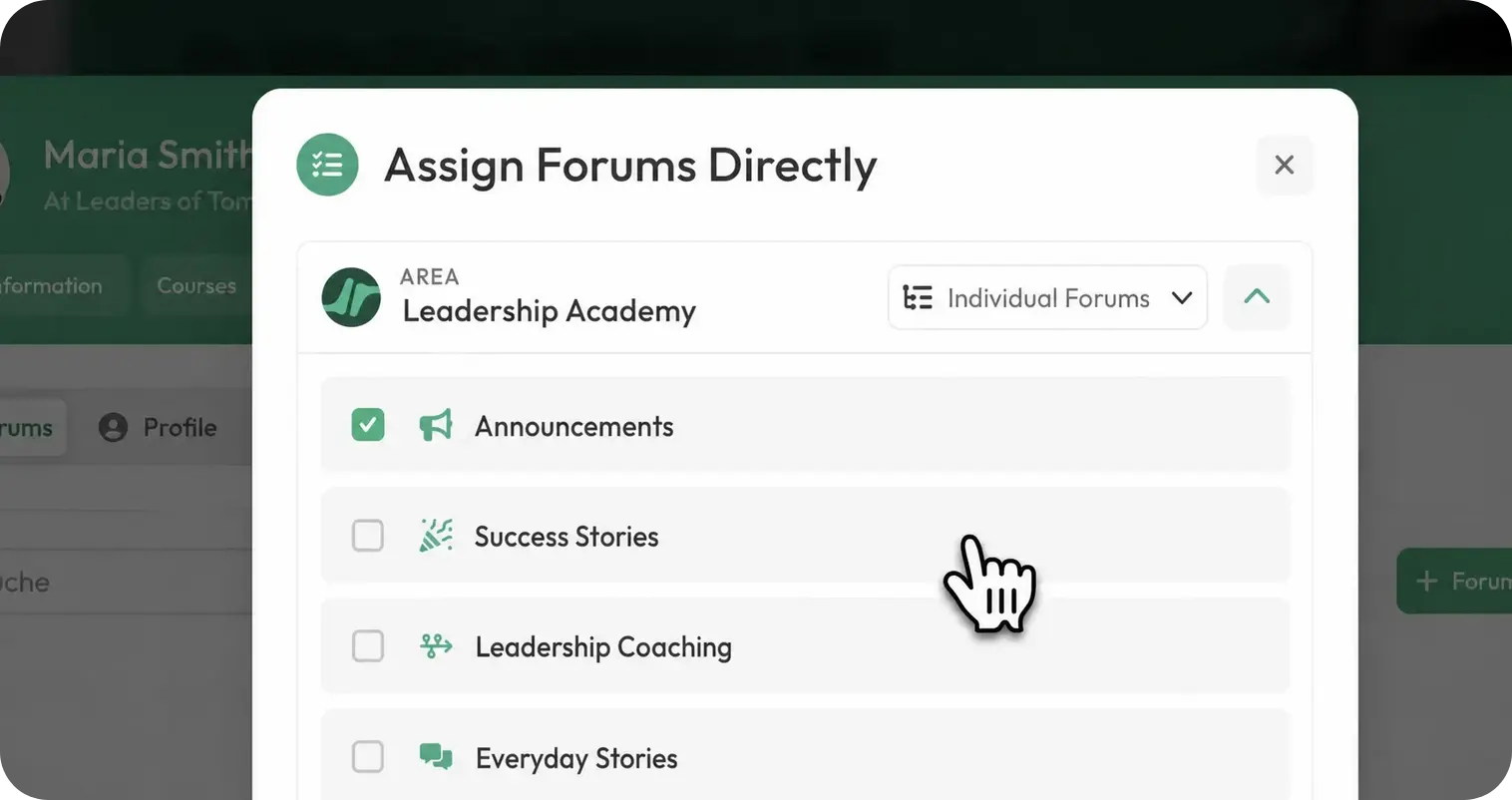
Last but not least, there's access management. You can grant individual Members or entire groups access to specific forums, areas, or badges.
It's ideal when you work with departments, Bundles, or very large Communities. You can also give your Team targeted access to specific topics, so they can contribute there as experts.
LearningSuite App:
The LearningSuite App is a native app for Android & Apple devices. It gives you, your Customers, and your Employees the perfect LearningSuite experience right on your smartphone.
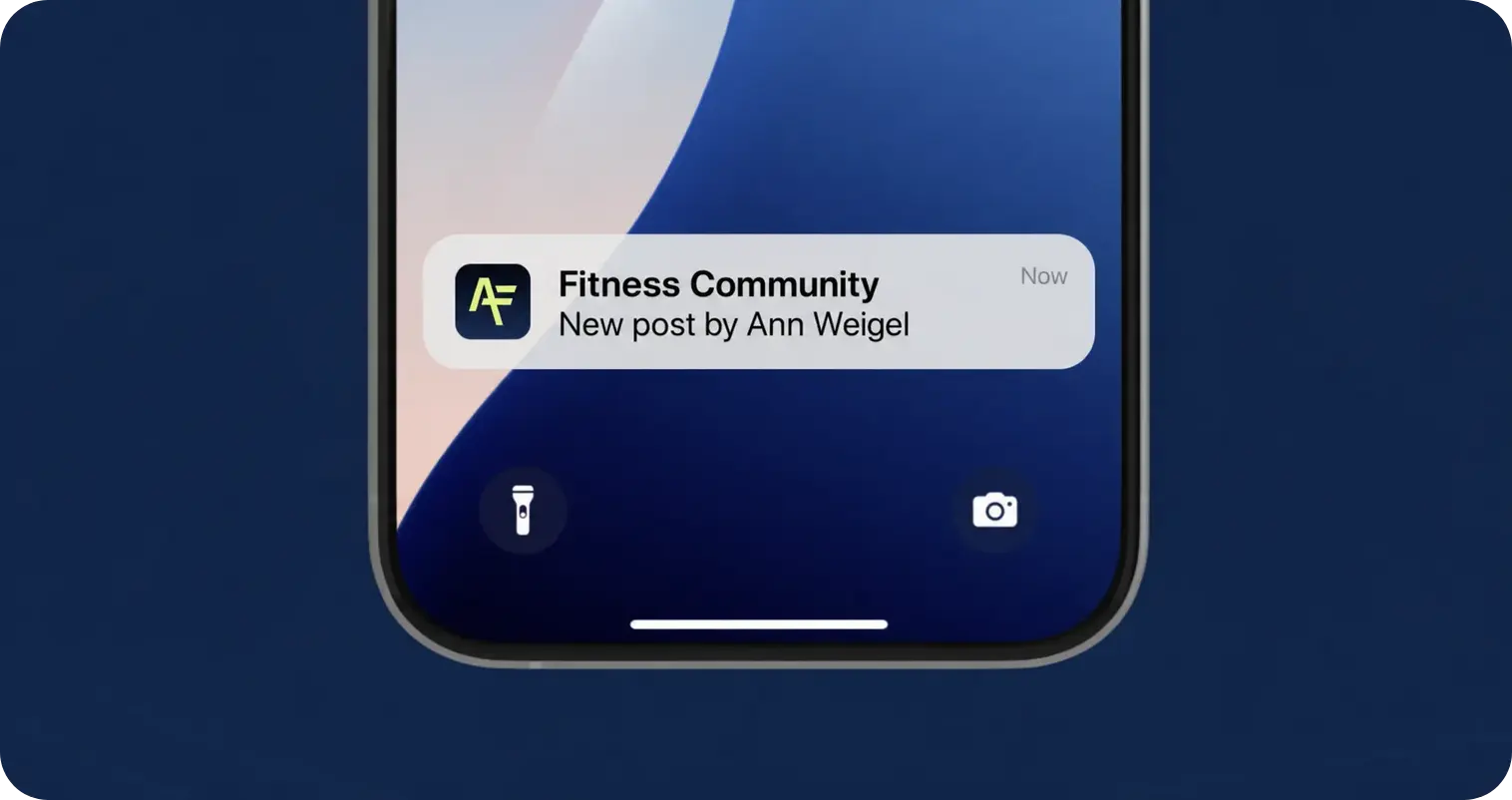
The biggest new feature in our native app is push notifications. They're essential for keeping your Community alive: whenever there's a new post, like, or reaction, you and your Members receive a notification instantly. This keeps engagement in your Community consistently high.
But the app doesn't just benefit your Community. We've optimized the entire LearningSuite experience for mobile use—from viewing your content and Hubs to videos and much more.
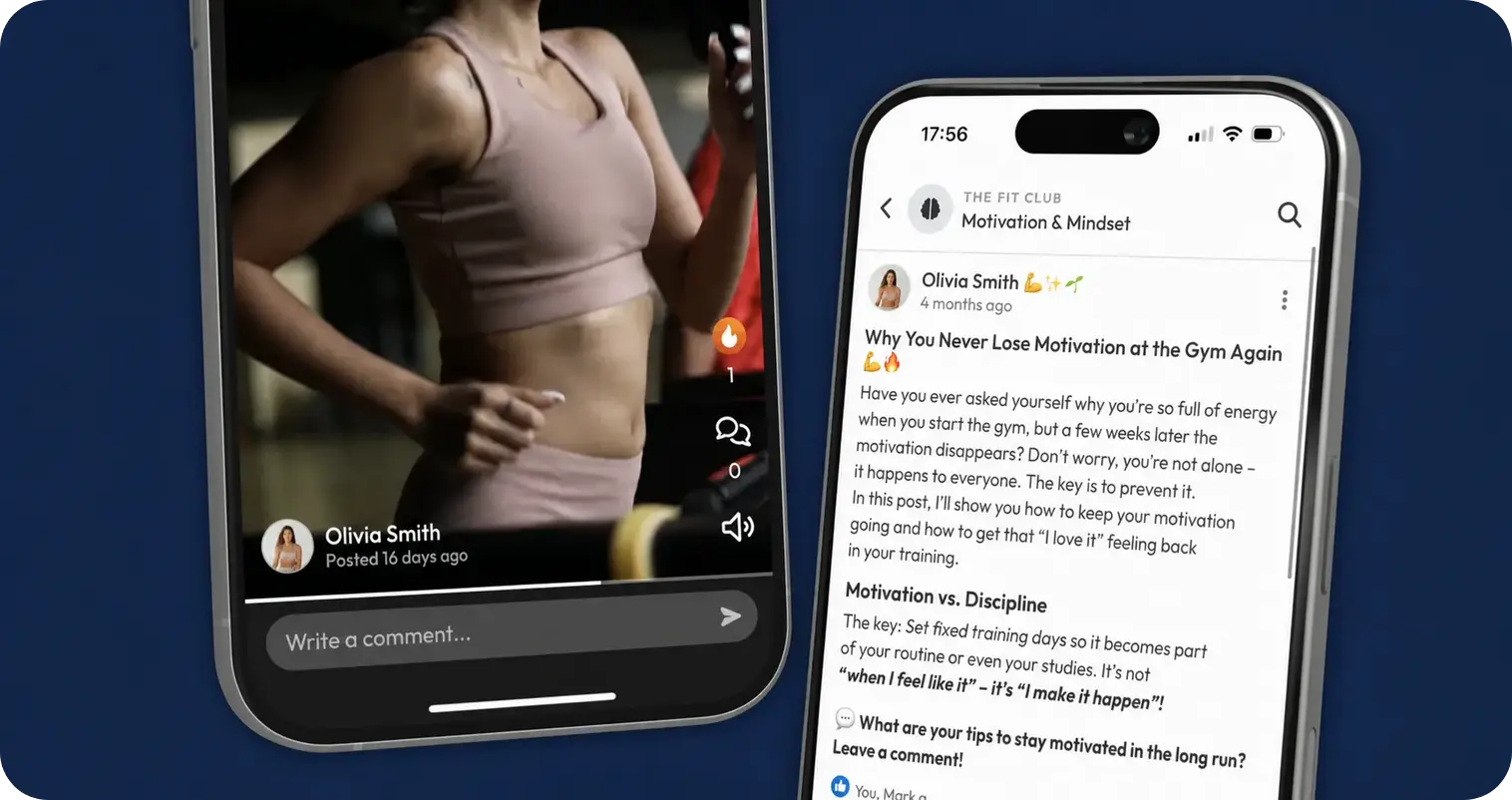
To help you actively promote the app to your Members and Customers, we've added a dedicated setting to the settings menu.
From there, you can easily send an email notification or a Pop-up in LearningSuite to all your Members and Customers.
All you need to do: go to Settings --> My LearningSuite --> App. There, you'll have the option to send a Pop-up in LearningSuite to your Members whenever you're ready!
We'd love your feedback—send it to us in our Facebook Community or via chat in the HelpCenter.
Your LearningSuite Team!