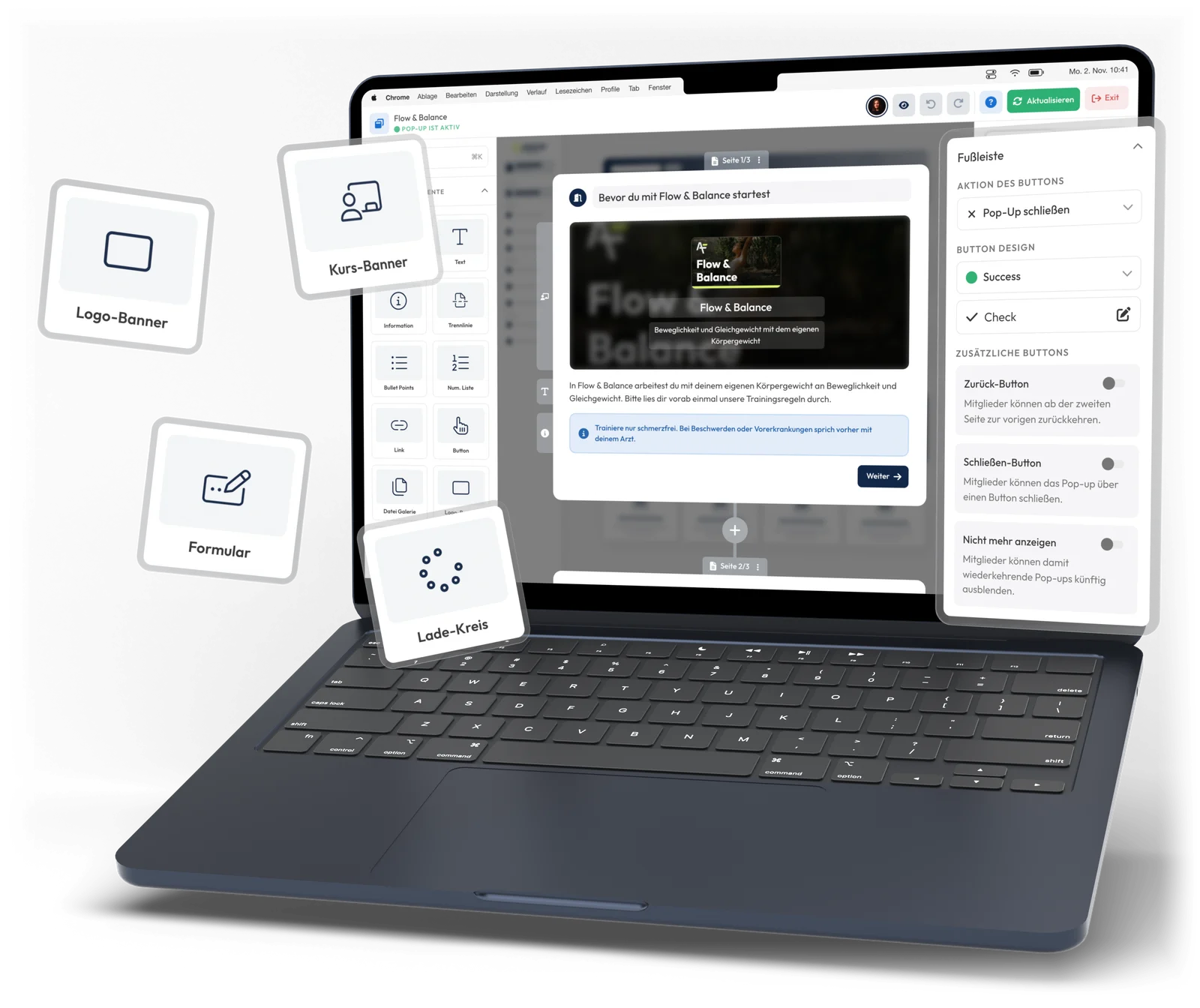
With pop-ups, you reach your members exactly when it fits: with announcements, surveys, upsells or reminders.
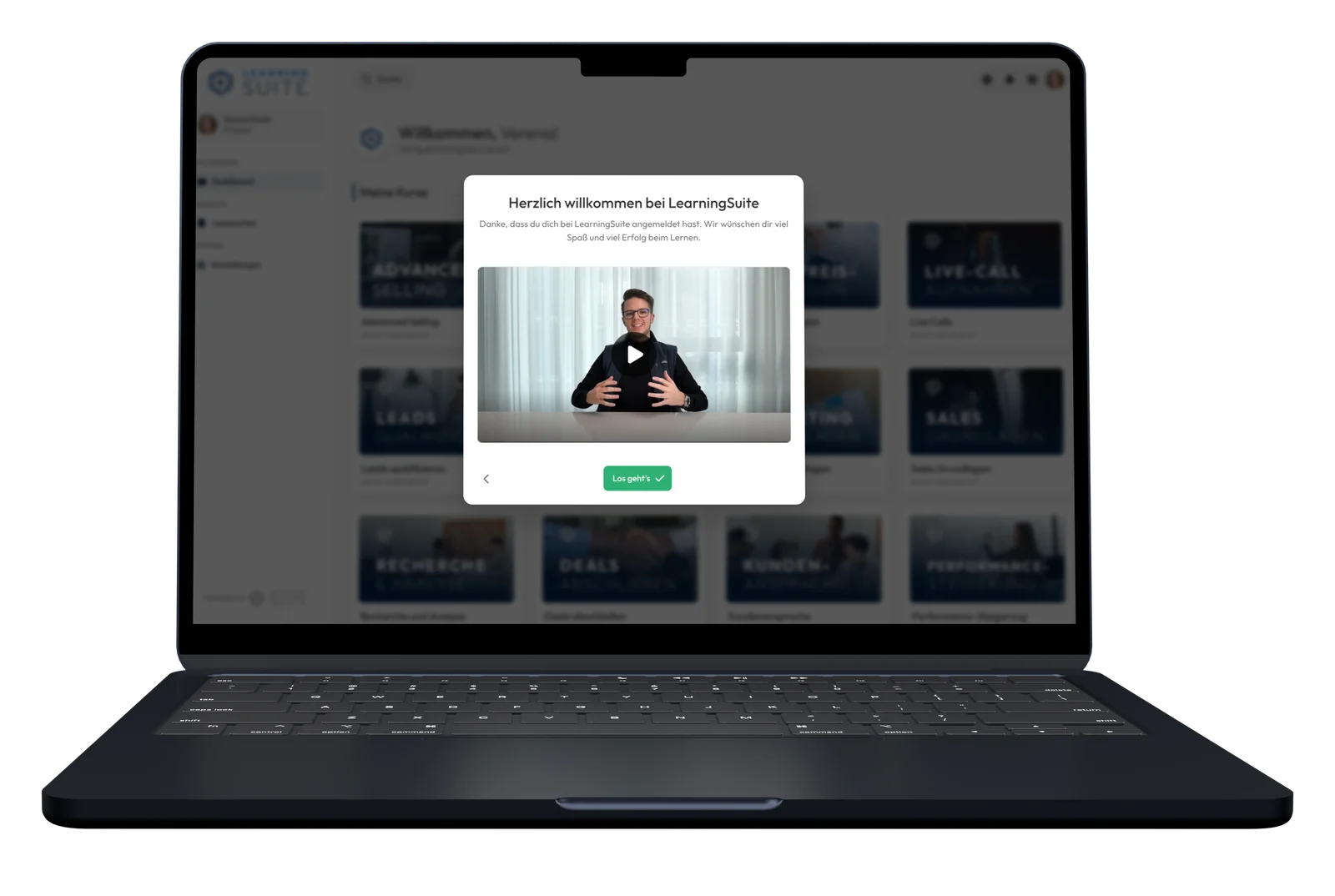
Rules decide who sees which pop-up and when.
A welcome pop-up at first login, a content gate before every course.
Beforehand, you see who gets it. Afterwards, how it lands.
Pop-ups are overlays on your platform that let you reach members in a targeted way, for example with announcements, surveys, upsells or reminders.
Instead of sending an email, posting in the community and hoping it gets through, you reach your members right on your platform. Pop-ups appear automatically as soon as a member meets the conditions you set. And with Content Gates, you make sure that before a course, required info reaches everyone.
Your members only see what fits them, exactly when it helps them.
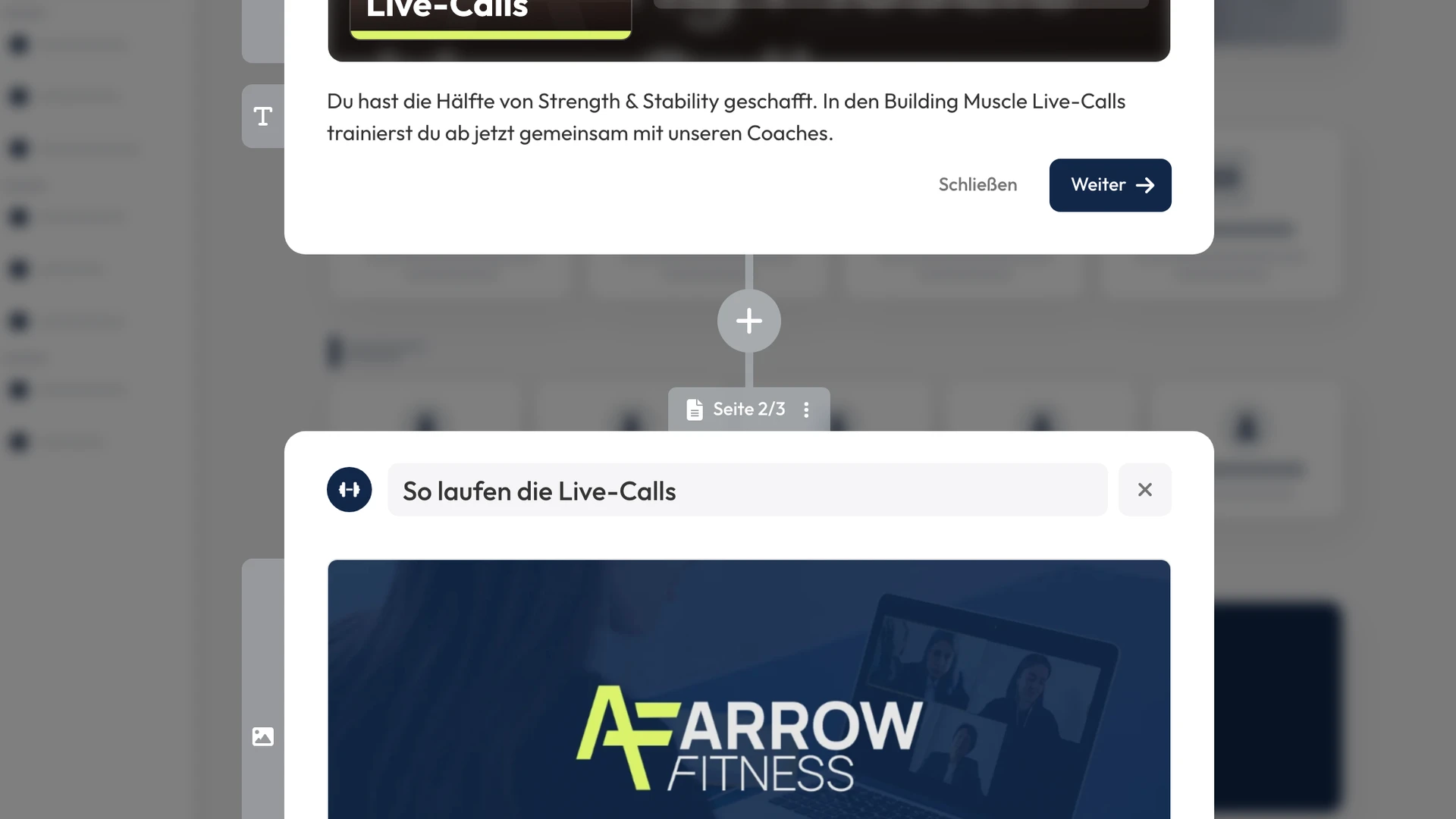
Pop-ups can have several pages that you fill with text, images, videos and forms.
With pop-up buttons, you can link directly to courses, lessons, exams, community posts or external websites.
New courses, updates or dates appear as soon as your members log in.
Ask for feedback and wishes on the platform, without detouring through an external tool.
Ask for a review after a success moment, when the excitement is at its peak.
After the course is completed, offer the right next step, such as another coaching.
New members know right away where they stand and what matters.
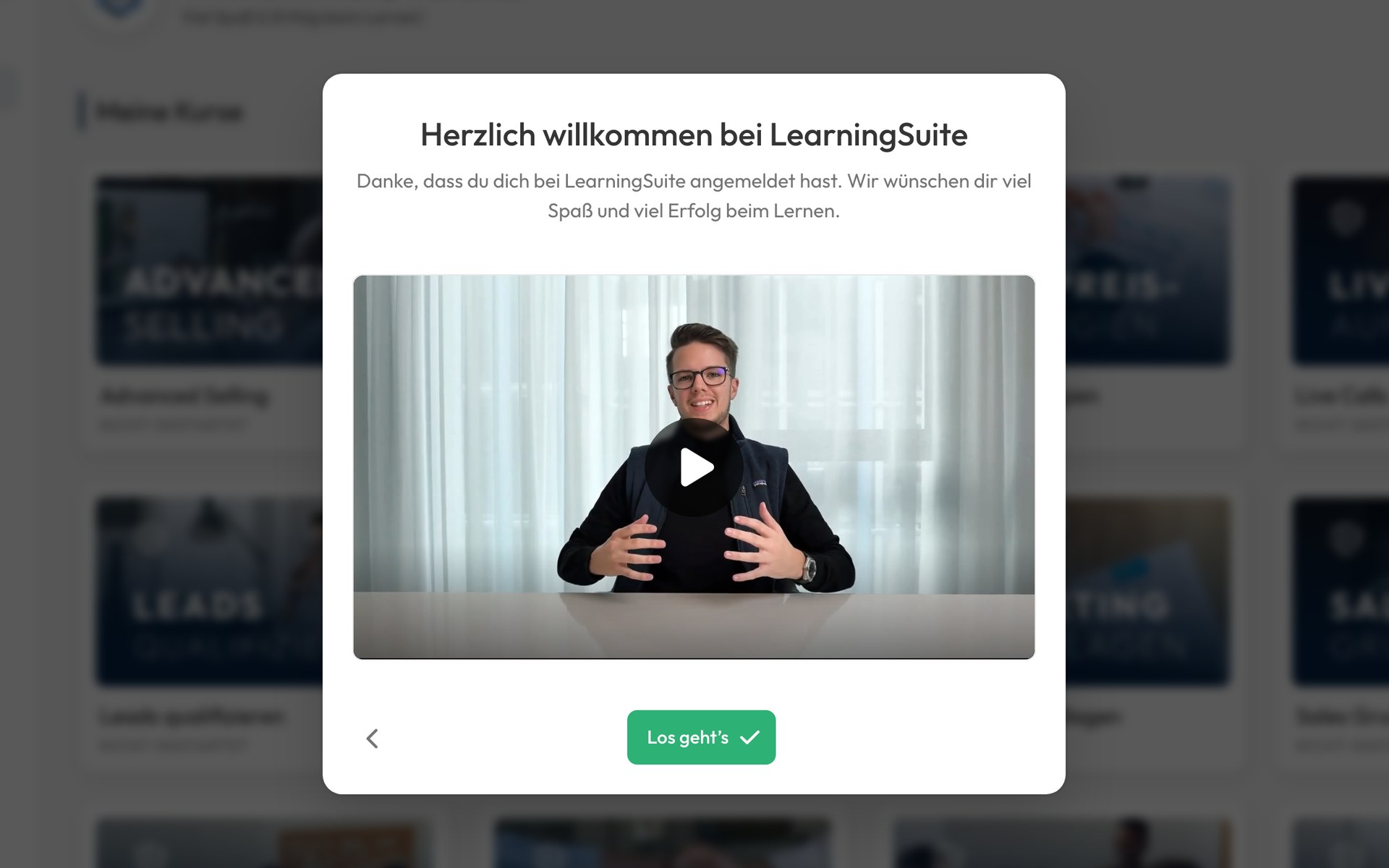
At first login, the platform greets every new member personally, with your video. After that, it never shows again.
A required pop-up before a course. The content only opens once the member has completed it.
Ready-made templates for info, news, live calls, event reminders, reviews, upsells and forms. A professional pop-up is ready in minutes.
Designed the way you need it. Size, colors, icons, button texts, blurred background and course banner.
Freely combine conditions with AND/OR: course or product, group, course progress, passed exam, member for X days, profile fields, device or time period. You can even chain them: the next pop-up only appears once the previous one has been seen.
Triggered by your other tools. Via the API, Zapier or Make, you trigger pop-ups for individual members, for example after a purchase or an appointment in your CRM. And withdraw them the same way.
Set the delay, repetition, times of day and how often a member sees a pop-up at most. Present enough to work, but never intrusive.
Required or optional. You decide whether members may close a pop-up, minimize it and continue later, or hide it for good.
You edit calmly in draft mode. Before publishing, you see which members already meet the conditions and decide whether they should see the pop-up.
Preview without a test account. You see your pop-up in advance exactly as your members will see it.
For each pop-up, you see views, clicks, closes and “Don't show again”, filterable by time period.
Down to the individual member. In the pop-up views, you see for each member when they saw the pop-up and how they reacted.
In a personal demo call, we'll show you how to set up pop-ups, content gates and your welcome onboarding for your platform.