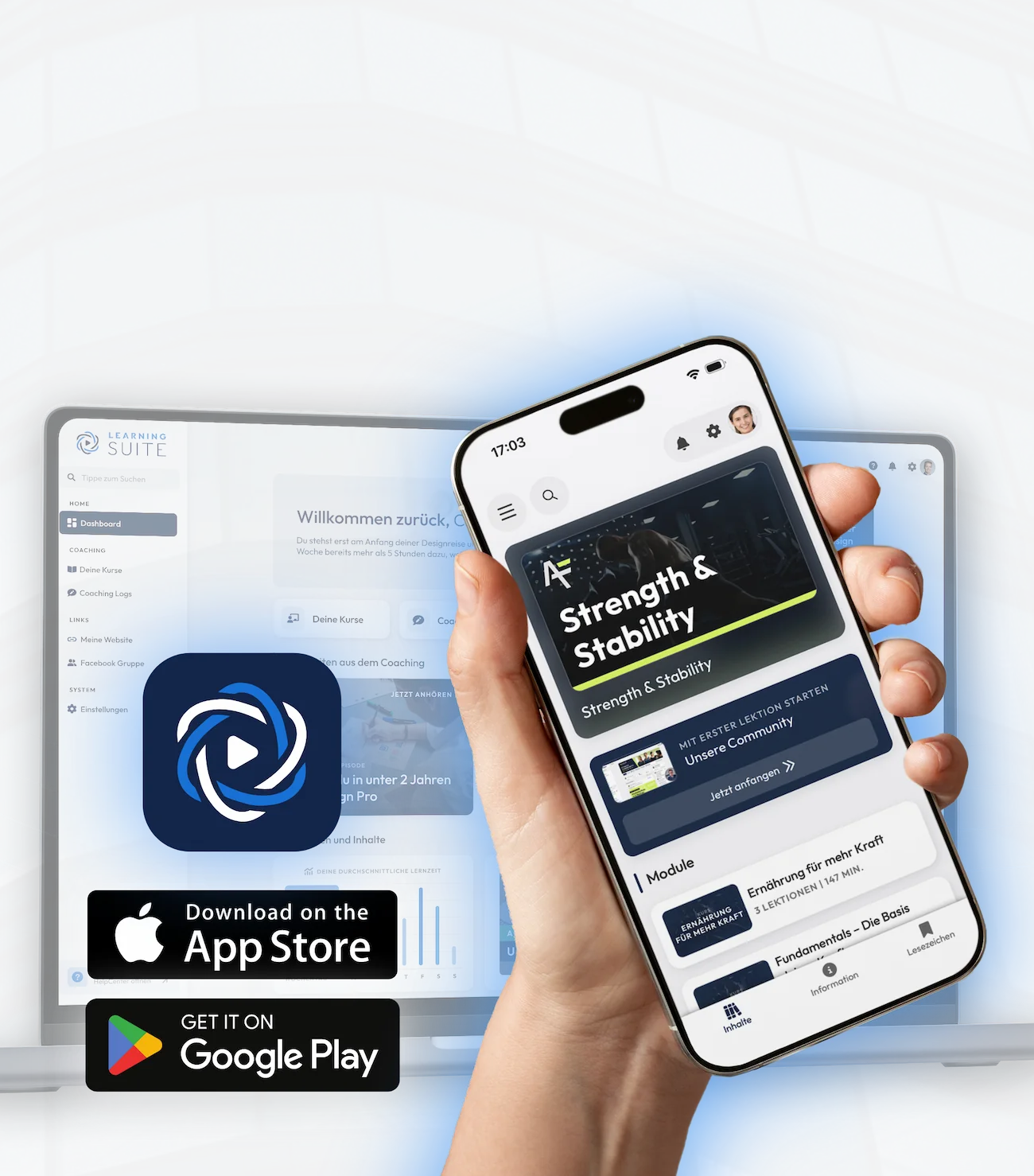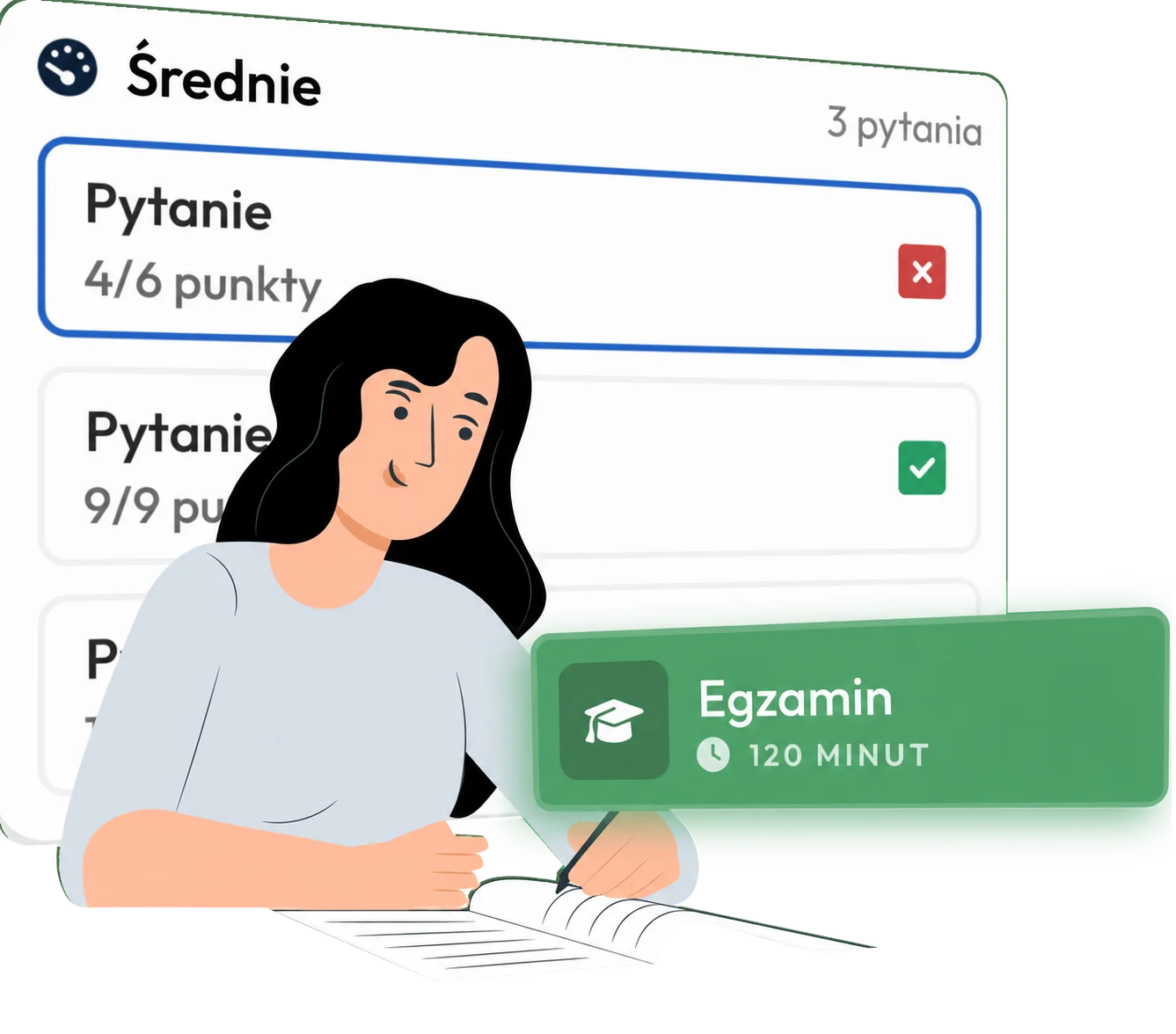


We work with the familiar structure, just refined
Use learning modules like building blocks in multiple courses
Use course widgets to highlight important information in courses
Courses consist of modules, in which there are several sections in which the lessons, i.e. the learning content, are located. In lessons, unlike in other platforms, you can create several pages to present and bundle your knowledge in the best way possible.


Unlike other platforms, LearningSuite lets you easily reuse modules you built for one course in other courses. This is ideal for standard content you want to use in multiple courses, such as a module on company culture or other introductory content.
In the course dashboard, you can optionally place course widgets. This is the ideal place to position upsells or provide important information, such as live call times or links to other relevant courses.


By using the content drip, you can determine when and how your members should see their learning content. For example, you can unlock modules with a time delay or only when the previous module has been 100% completed.
In the demo call, we will show you the software in detail, customized to your use case (onboarding, coaching platform, online course) and answer all your questions.
Book Your Free Demo Call Now